-

-
 Argentina (en)
-
 Australia (en)
-
 Belgien (de)
-
Belgique (fr)
-
België (en)
-
 Brasil (en)
-
 Canada (en)
-
Canada (fr)
-
 Česko (en)
-
 Chile (en)
-
 Danmark (en)
-
 Deutschland (de)
-
 España (en)
-
 France (fr)
-
 Hrvatska (en)
-
 Ireland (en)
-
 Italia (en)
-
 Magyarország (en)
-
 Nederland (en)
-
 Norge (en)
-
 Österreich (de)
-
 Polska (pl)
-
 Portugal (en)
-
 România (en)
-
 Schweiz (de)
-
 Slovenija (en)
-
 Slovensko (en)
-
 South Africa (en)
-
 Srbija (en)
-
Suisse (fr)
-
 Suomi (en)
-
 Sverige (en)
-
Svizzera (en)
-
 United Kingdom (en)
-
United States (en)
-
 Россия (en)
-
 Україна (en)
-
 日本 (en)
-

[Forestry 101] How To Fell Trees: Deciduous
Welcome to your next “Forestry 101” lesson of the Farming Simulator Academy! Today, we’ll show you how to harvest wood from deciduous trees and what you need to bear in mind
Deciduous Tree Or Conifer?
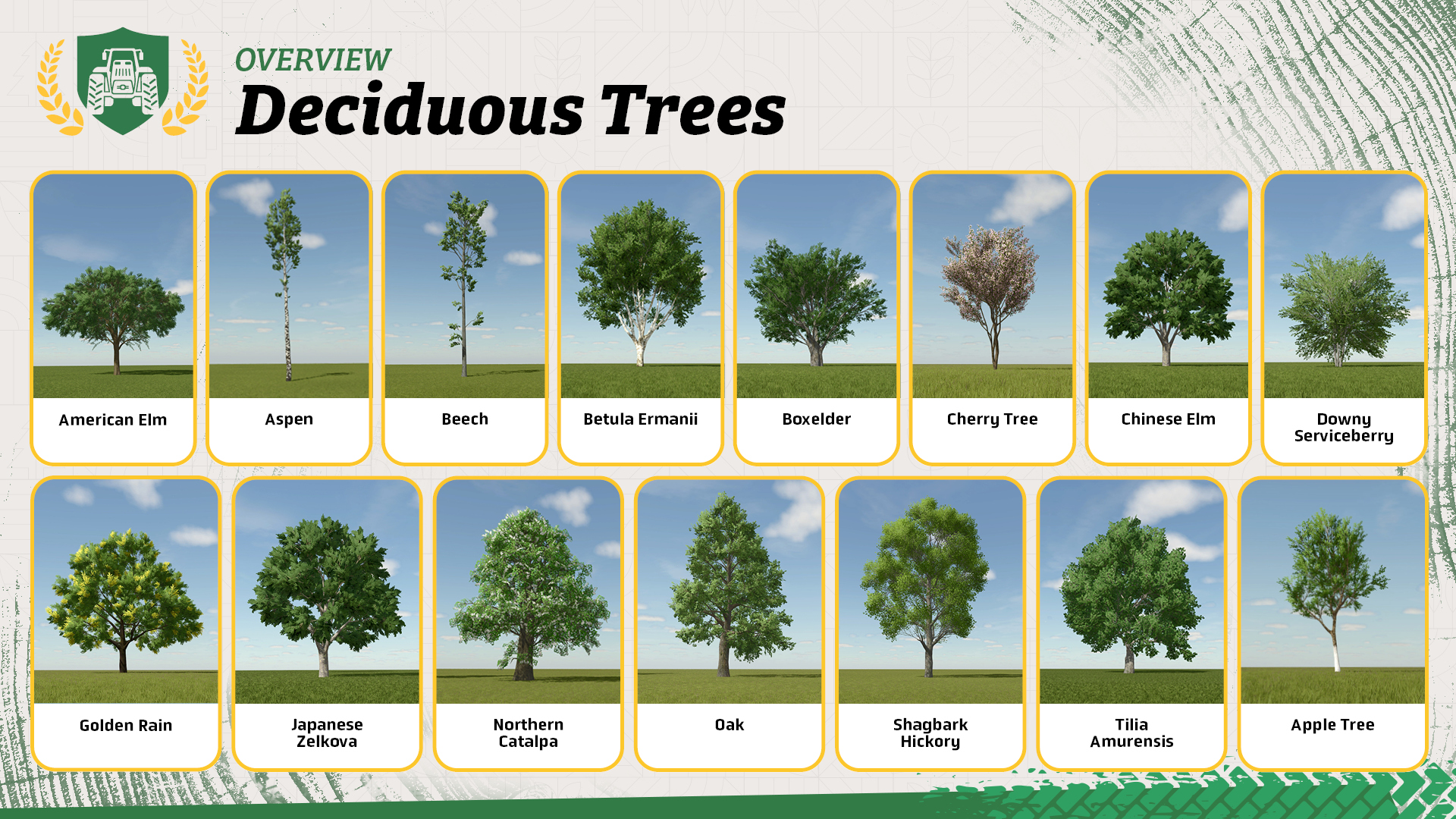
How you harvest depends on the type of tree you planted. If you planted deciduous trees, you need a chainsaw to cut them down. Because of the uneven growth of deciduous trees, it makes more sense, financially, to process this type of tree into wood chips instead of selling them directly.
Conifers, on the other hand: You can cut them down either with chainsaws or a harvesting machine. Because of their long and even trunks, they are perfect to sell them or deliver them for further processing.
Let’s Get To Work!
Step 1: Cutting trees
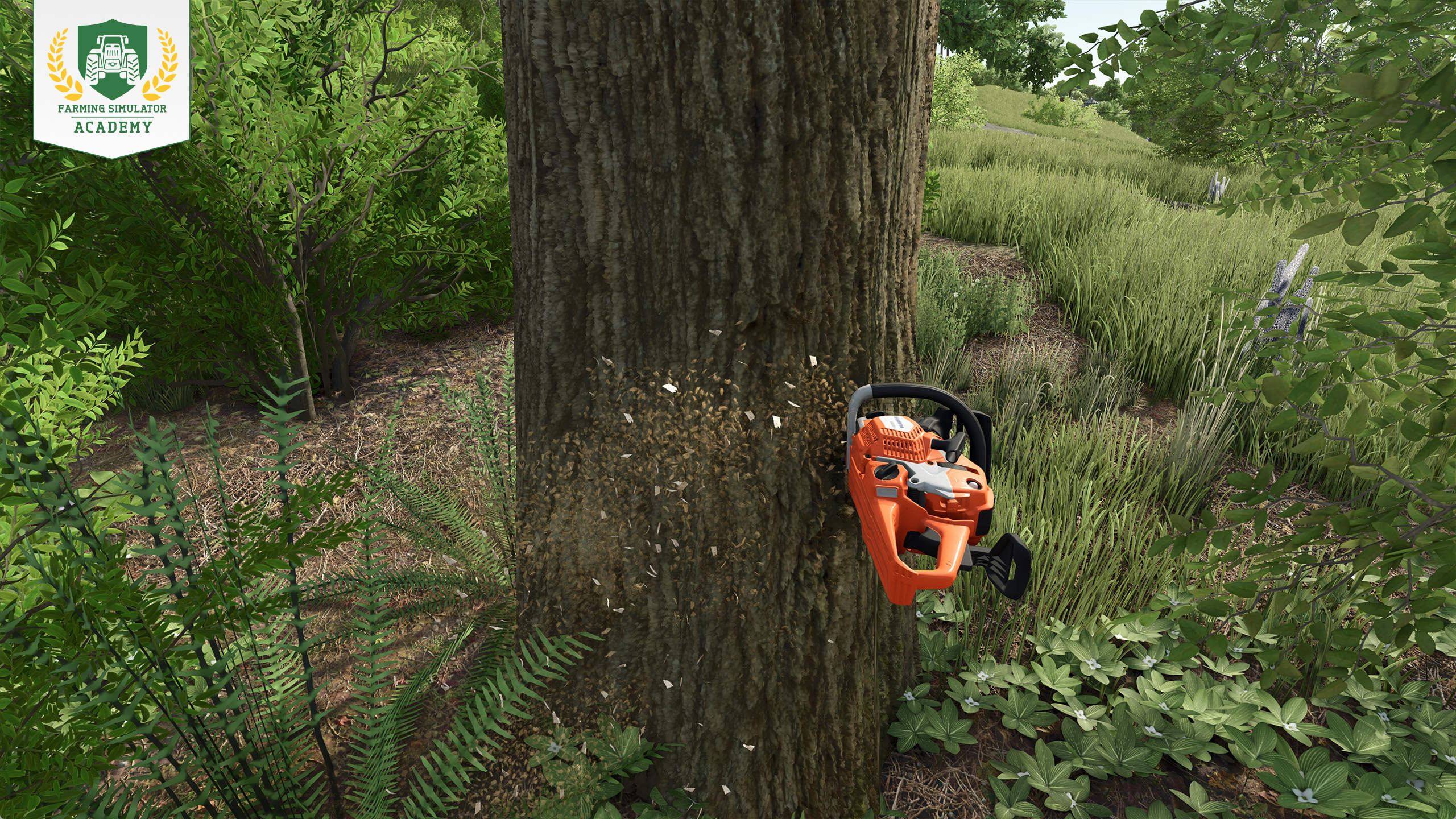
Use the chainsaw of your choice and position yourself in front of the tree. Just turn the saw in the desired direction. When a green glowing ring pops up, you are ready to cut. Just press the respective button. The tree always falls in the direction you are sawing.
Step 2: Cutting branches
After you cut the tree down, you have to separate the branches from the trunk. Just turn your chainsaw at the right angle and cut the branches as close to the trunk as possible. Repeat the whole process until the trunk is completely free of branches.
When you are done, you have to cut the trunk and huge branches into smaller, more handy pieces for easier processing with a wood chipper.
Well Done!
Congratulations, you have successfully finished another lesson! Keep at it, and you'll be a top-notch virtual farmer in no time with Farming Simulator Academy!


Today we released Hotfix 1.25.1 - you can find all the details in our changelog on the Farming Simulator website under "Updates" or go to https://t.co/tgMi706gkj https://t.co/9Cyba4iLzT

📢 Quick reminder! FS25 Modding Contest submissions open soon! + NEW free e-book! 📖 Modding with Blender is now available on our GIANTS Developer Network. 👇 Download now & create your own mods! 🧑🌾 🔗 https://t.co/u9JvPGg4QG https://t.co/cLHTviQFeT

Next stop: TwitchCon San Diego! 🤩 Join us at the San Diego Convention Center from November 13 to 15. Meet the GIANTS Software team & fellow Farming Simulator fans! 🧑🌾 Who’s coming? 🙌 🔗 https://t.co/JfO8aGbs5D https://t.co/Q22KAhMfma

Master Beans & Alpacas! 🦙 Three new FS Academy tutorials are now available! Learn how to grow coffee and bananas and care for your alpacas with helpful info charts and step-by-step guides. 🚜 Ready to put your knowledge to work? 🧑🌾 🔗 https://t.co/xGB4iRjcxk https://t.co/6IyijglYeA

Social Media


Today we released Hotfix 1.25.1 - you can find all the details in our changelog on the Farming Simulator website under "Updates" or go to https://t.co/tgMi706gkj https://t.co/9Cyba4iLzT


