-

-
 Argentina (en)
-
 Australia (en)
-
 Belgien (de)
-
Belgique (fr)
-
België (en)
-
 Brasil (en)
-
 Canada (en)
-
Canada (fr)
-
 Česko (en)
-
 Chile (en)
-
 Danmark (en)
-
 Deutschland (de)
-
 España (en)
-
 France (fr)
-
 Hrvatska (en)
-
 Ireland (en)
-
 Italia (en)
-
 Magyarország (en)
-
 Nederland (en)
-
 Norge (en)
-
 Österreich (de)
-
 Polska (pl)
-
 Portugal (en)
-
 România (en)
-
 Schweiz (de)
-
 Slovenija (en)
-
 Slovensko (en)
-
 South Africa (en)
-
 Srbija (en)
-
Suisse (fr)
-
 Suomi (en)
-
 Sverige (en)
-
Svizzera (en)
-
 United Kingdom (en)
-
United States (en)
-
 Россия (en)
-
 Україна (en)
-
 日本 (en)
-

[Basics] Introduction To AI Helper
![[Basics] Introduction To AI Helper](/cms/uploads/news_6a9ac98e15f96.jpg)
Welcome to your next lesson of the Farming Simulator Academy! Today we’re focusing on the semi-autonomous AI worker. We’ll show you how to use the helping system. Let’s start!
How Does It Work?
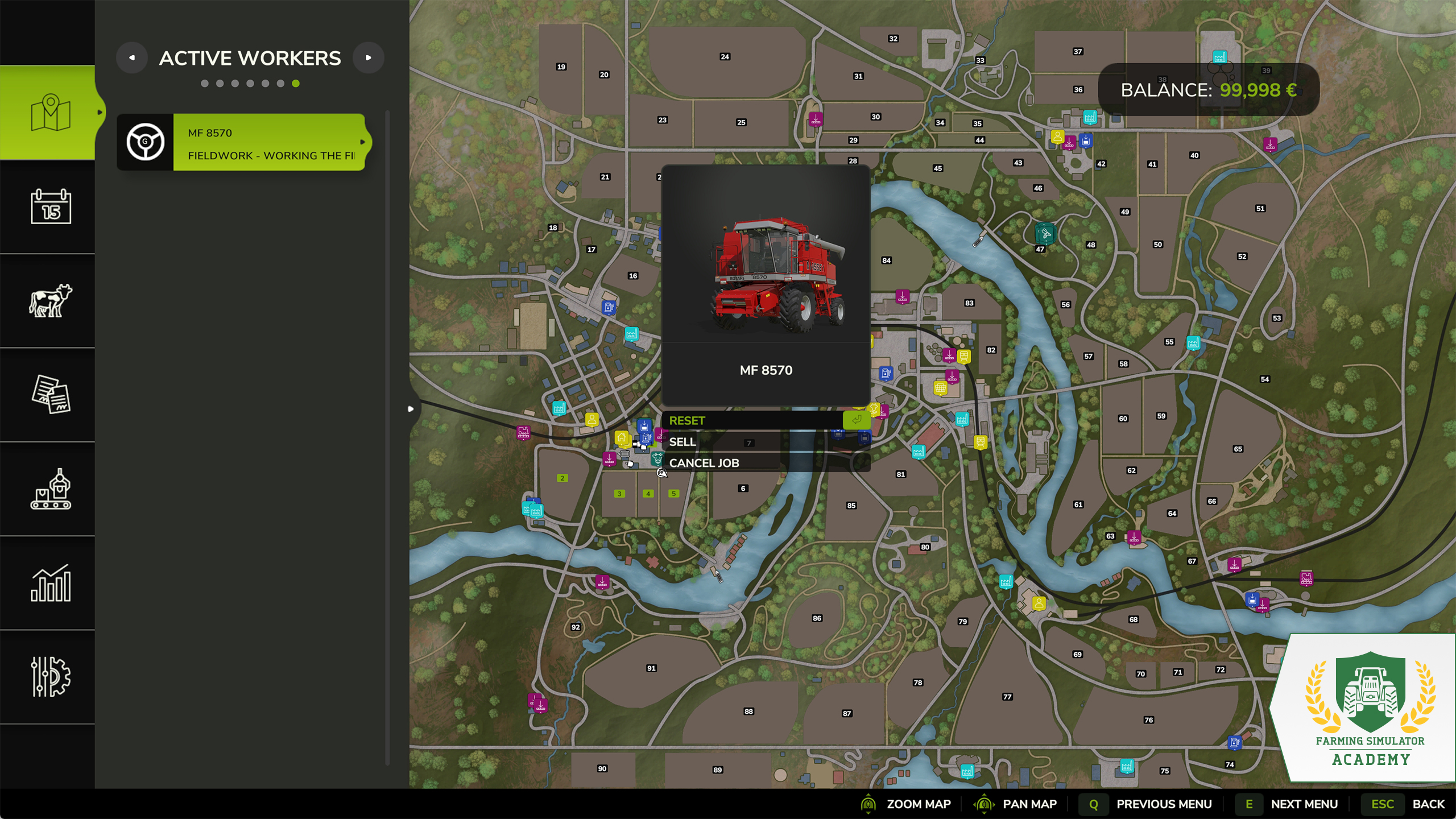
On the AI-Worker screen, click on any vehicle/machine and select "create job". This allows you to select one of the following actions for your worker to carry out. Wherever you want to send him, you either choose a specific unloading station or set down a marker on the map.
- "Go to" – The worker will drive a machine/vehicle to a specific destination.
- "Field Work" – You can order the worker to carry out a task associated with the machine at the target location.
- "Deliver" – It will deliver crops to the selected unloading station. This task can be looped.
- "Load & Deliver" – The AI Worker loads goods at one station, and deliver it to the next. You can also loop this task.
If you select "looping", the workers will continuously repeat the task – as long as there is something to do. If there is no more wheat in the silo to deliver to the bakery, he will stop.
Tip! If you are already doing a task, like plowing, press "H" (on PC, or the console equivalent) to hire an AI Worker. It automatically continues your job and you can do something else.
Additional Settings
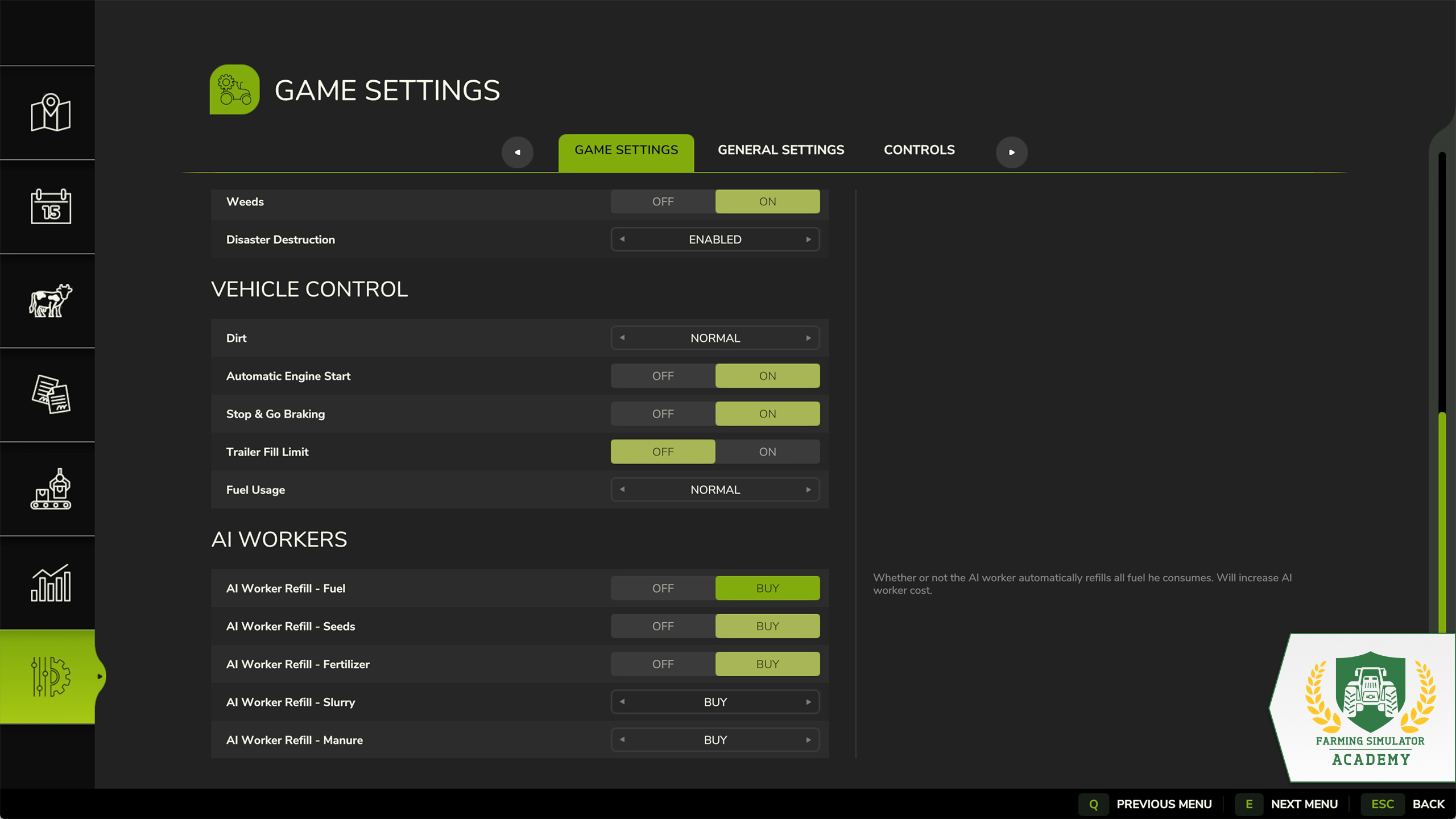
In the game settings, you can elaborate the workload of your AI Worker. You can change whether your worker can refuel your seeds, fertilizer, slurry, manure or fuel by himself or let you do his dirty work. We recommend: let him do it.
Well Done!
Congratulations, you hired your first AI Worker. Take your time and start on the next lesson, when you’re ready. Stay with the Farming Simulator Academy and you become a virtual farmer in no time!


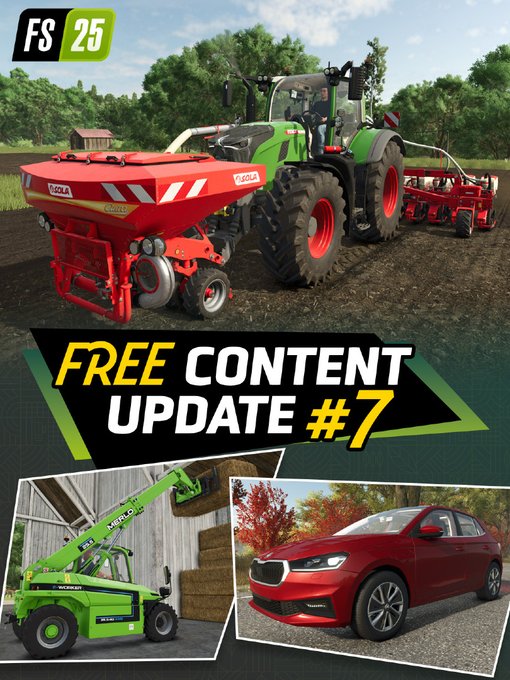
🚜 Four new machines. One new brand. All free! Content Update #7 for Farming Simulator 25 brings SOLÀ’s series debut, plus Merlo & Škoda additions & Patch 1.24! 🌾 Check our trailer & blog for more info! 👇 🎥 https://t.co/Qgn9HFUAc4 🔗 https://t.co/uJDQJBohcQ https://t.co/Br5GwUF3mi
Meet the Modding Contest jury! 👋 Creators, Cultivators, modders, moderators, and GIANTS staff will help judge the entries. Prizes worth €30,000 are up for grabs across four categories. And the community gets a vote, too! Check our Blog for more infos! 👇 🔗 https://t.co/Mn7aXyq5z1

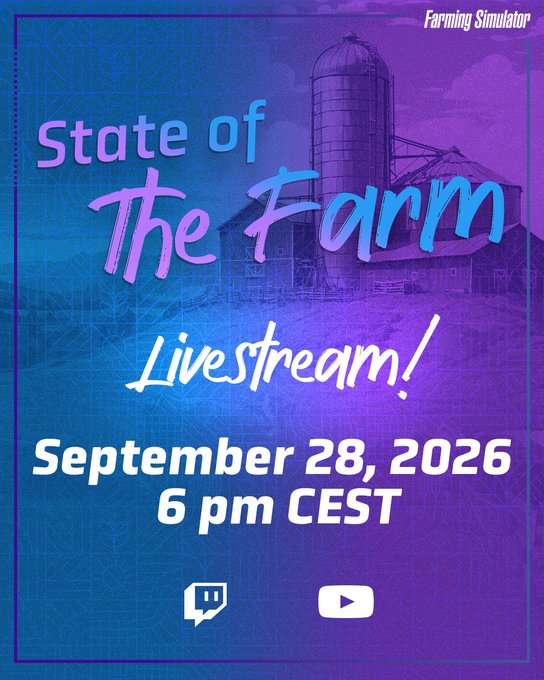
📢 Ready for the next State of the Farm? Tune in on September 28 at 6 PM CEST for our livestream with fresh Farming Simulator updates, insights & more. 🌾 See you live! 👋 🔗 https://t.co/G8UNIIfies 🔗 https://t.co/7ZITH3jrh2 https://t.co/dCXw2lUP2M
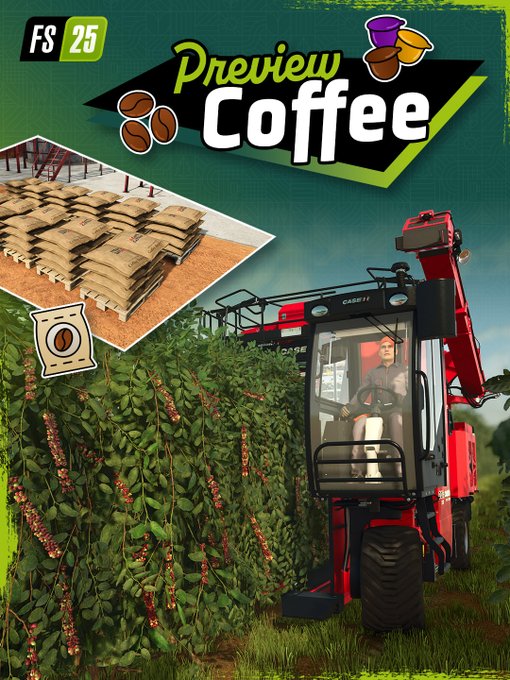
Something’s brewing on Catuaí. ☕ Plant, harvest and process your own coffee in FS25: Beans & Alpacas. From hillside plantations to tiramisu, discover a whole new way to grow! Check our blog for more info! 👇 🔗 https://t.co/WuO23yxwHO https://t.co/Vcr2kUwhxb
Social Media


🚜 Four new machines. One new brand. All free! Content Update #7 for Farming Simulator 25 brings SOLÀ’s series debut, plus Merlo & Škoda additions & Patch 1.24! 🌾 Check our trailer & blog for more info! 👇 🎥 https://t.co/Qgn9HFUAc4 🔗 https://t.co/uJDQJBohcQ https://t.co/Br5GwUF3mi


