-

-
 Argentina (en)
-
 Australia (en)
-
 Belgien (de)
-
Belgique (fr)
-
België (en)
-
 Brasil (en)
-
 Canada (en)
-
Canada (fr)
-
 Česko (en)
-
 Chile (en)
-
 Danmark (en)
-
 Deutschland (de)
-
 España (en)
-
 France (fr)
-
 Hrvatska (en)
-
 Ireland (en)
-
 Italia (en)
-
 Magyarország (en)
-
Nederland (en)
-
 Norge (en)
-
 Österreich (de)
-
 Polska (pl)
-
 Portugal (en)
-
 România (en)
-
 Schweiz (de)
-
 Slovenija (en)
-
 Slovensko (en)
-
 South Africa (en)
-
 Srbija (en)
-
Suisse (fr)
-
 Suomi (en)
-
 Sverige (en)
-
Svizzera (en)
-
 United Kingdom (en)
-
 United States (en)
-
 Россия (en)
-
 Україна (en)
-
 日本 (en)
-

[Basics] Introduction To Shops & Dealers
![[Basics] Introduction To Shops & Dealers](/cms/uploads/news_6a9aca54b76d0.jpg)
Welcome to the Farming Simulator Academy! In this tutorial, we give you a short briefing on how to use the in-game shop, and dealerships to acquire new or sell your old machinery.
Shop Menu
There are multiple tabs in the shop menu. At first look, it might be overwhelming if you’re new to farming, but it’s easy once you know what to look for.
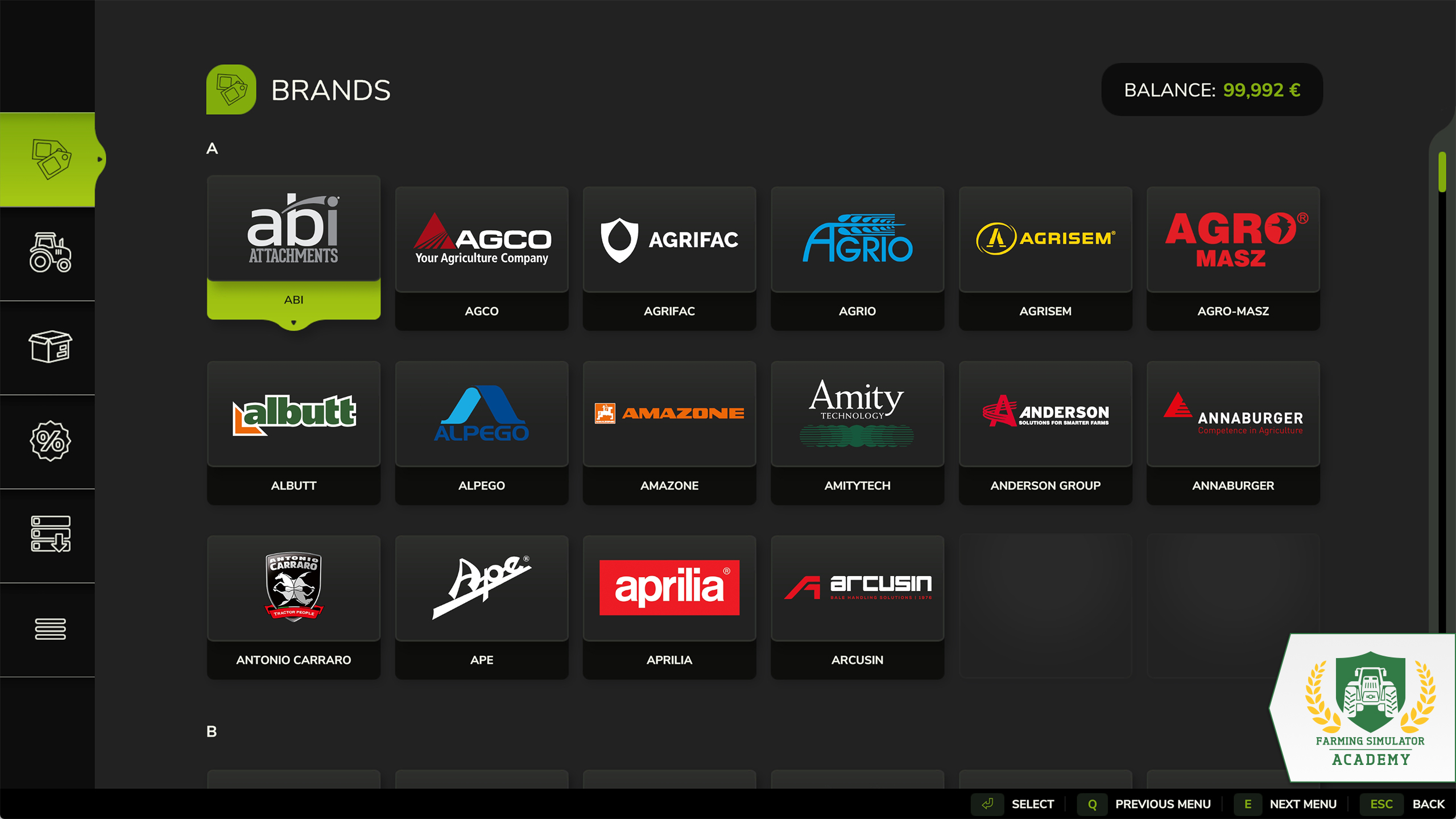
- The brands tab shows you all the brands available in the game. If you want to create a fleet of machines and tools by one particular manufacturer, look here.
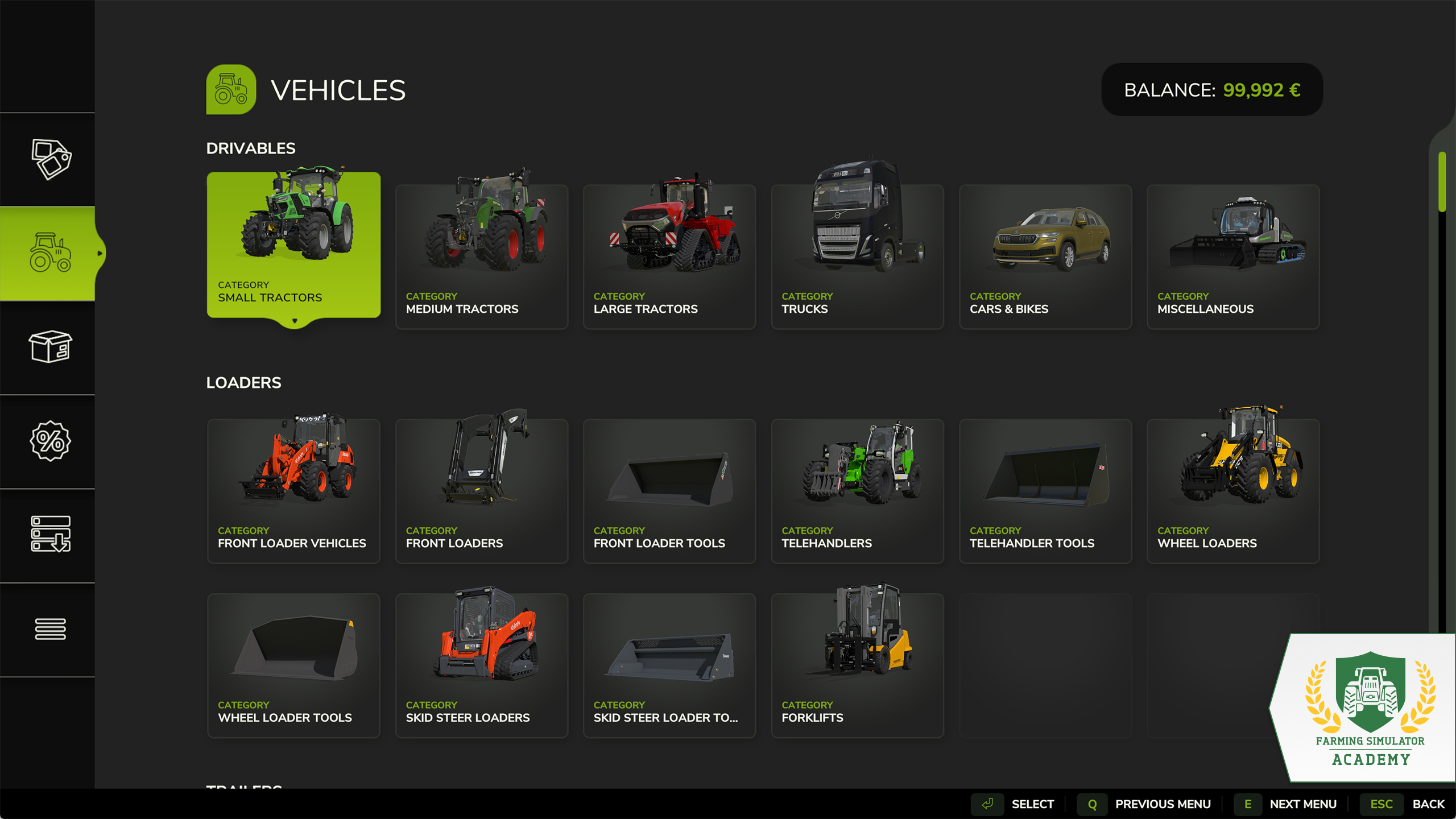
- The vehicles tab consists of various categories. Whether you look for small, medium, or large tractors, harvesters or sprayers, just click on the respective category to view the available machines. It also contains all the tools you can attach to your vehicles, like mowers, cultivators, and seeders. Additionally there are important items for sowing, fertilizing or feeding animals, such as Bigbags, pallets and bales.
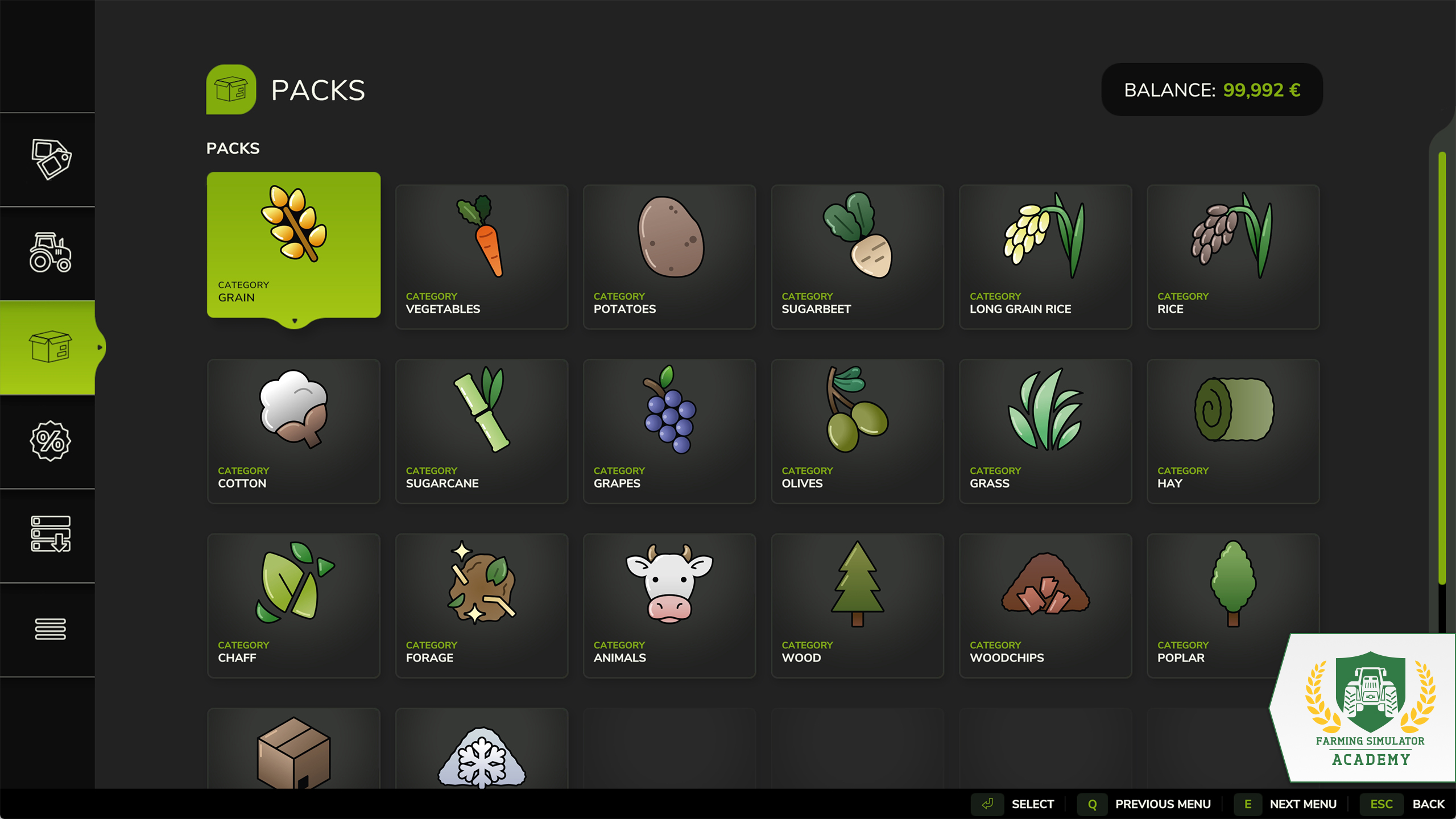
- The Pack tab is a helpful indication of what you need for certain tasks. Say, you want to buy everything you need to sow and harvest grains. Buy the grain pack, and you’re set! Since machines can overlap, you buy every item in a pack separately. Allowing you to skip items like a tractor or cultivator if you already own one.
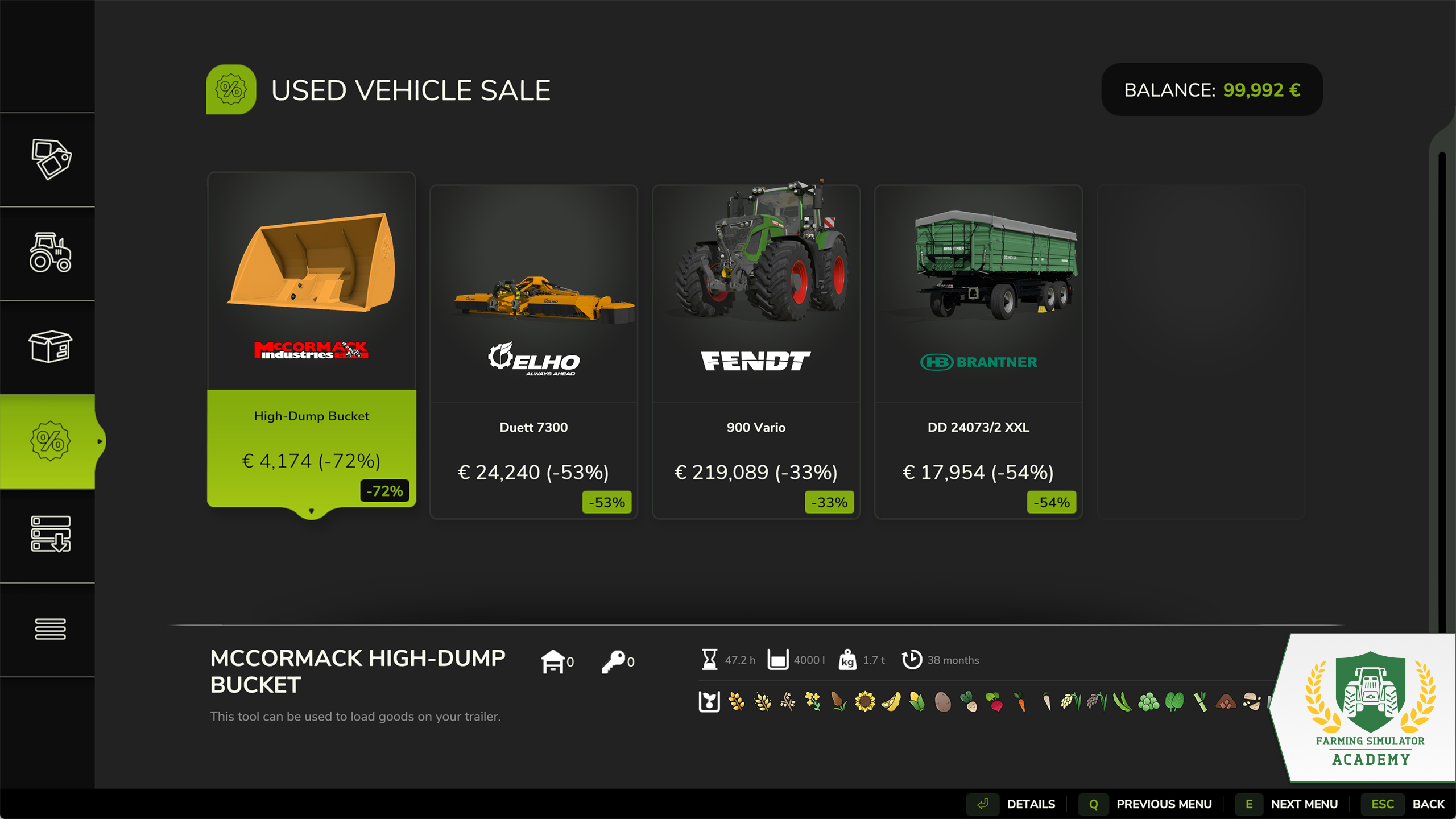
- The used vehicle sale is the place to visit if you want to save some money. You’ll find a changing set of machinery offered. The discount varies, and can be quite enormous – allowing you to upgrade your fleet sooner rather than later. Mind the fact that used machinery might have to be repaired and cleaned to work as efficiently as if it was brand-new.
Buying Machines
Say, you want to buy a tractor, and a cultivator. Let’s just do it ...
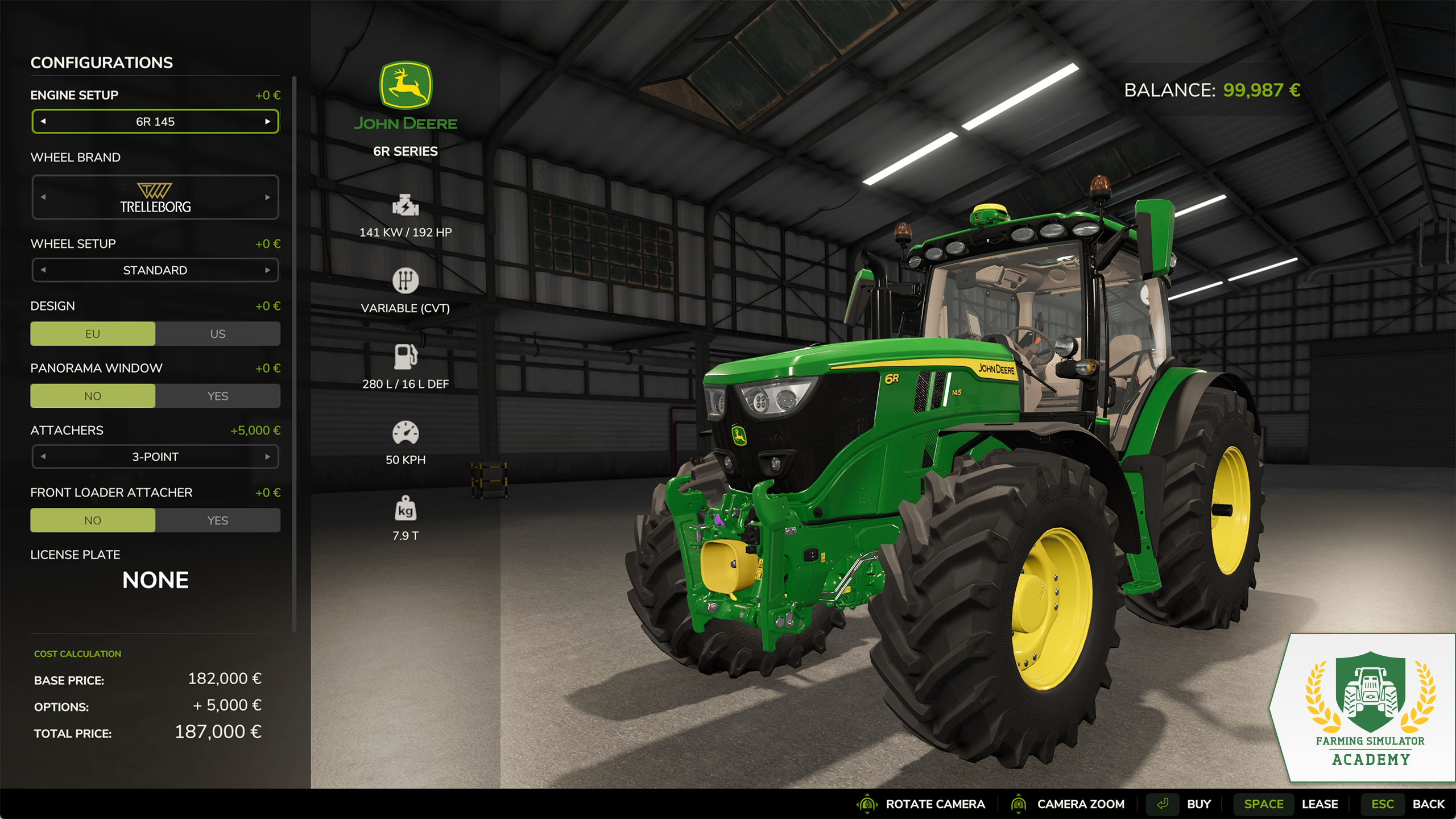
- When buying any vehicle, you should check the specifications on the left. Before you buy any tool to attach, make sure it has enough horsepower.
- Choose your preferred wheel brand, if you want. You might have to pay a bit more with some brands. Some brands offer more wheel setups than others, like narrow tires, which come in handy if you play with crop destruction enabled. You can add a front loader attacher, too. But you can customize your tractor at the shop anytime and don’t need to buy all the upgrades now.
- If you’re sure you want to buy the tractor and have the money you need in your bank account, hit the buy button. Or, if you want to buy machinery for experimenting or one-time use, you can lease them, too.
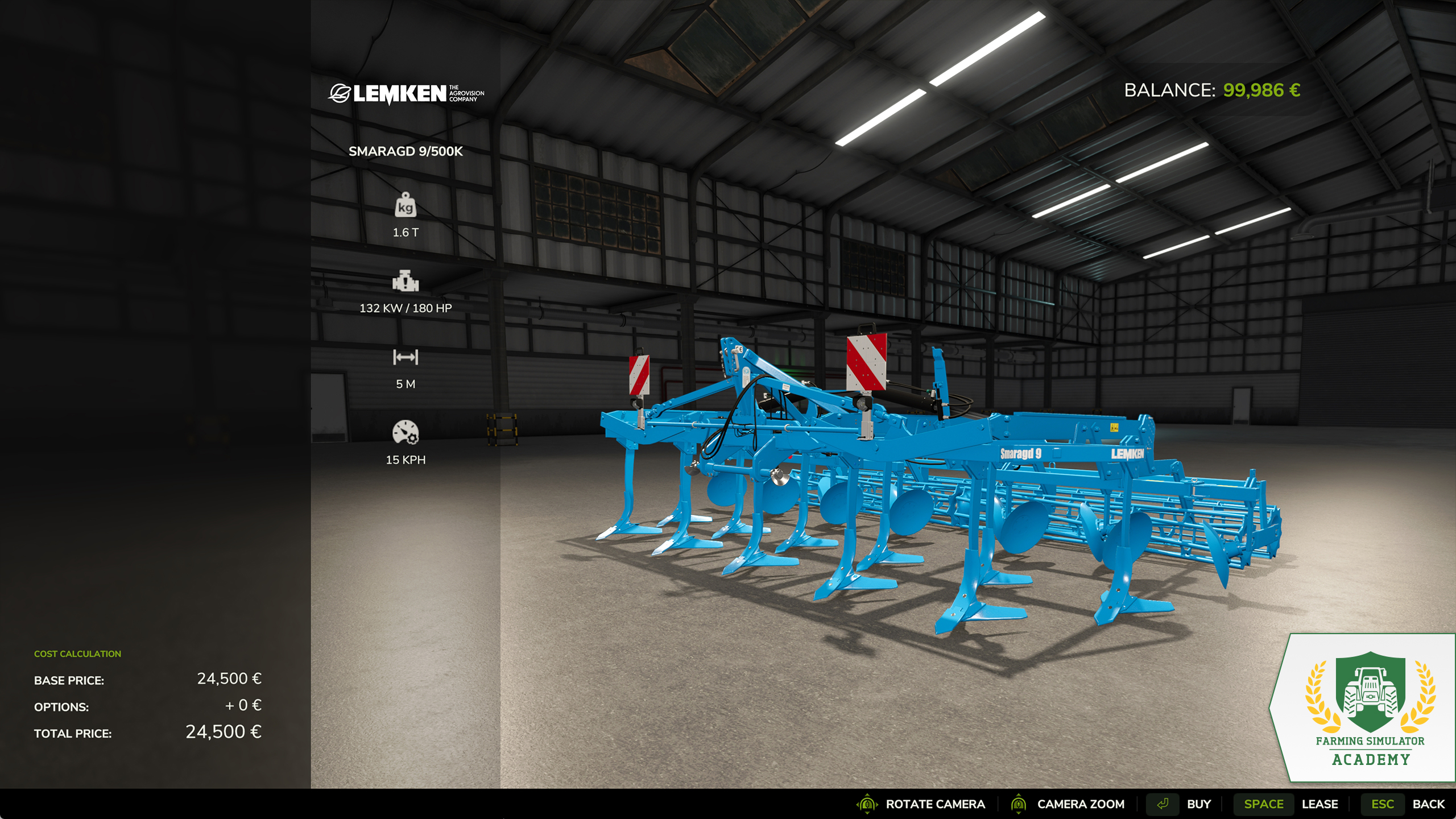
- Now, let’s head over to the “cultivator” category and select the RABE EG. As you can see on the left, it requires a tractor with a horsepower of minimum 90. Our tractor can do that, so we’re good. Hit the buy button again, and it’s yours.
Visiting The Dealership
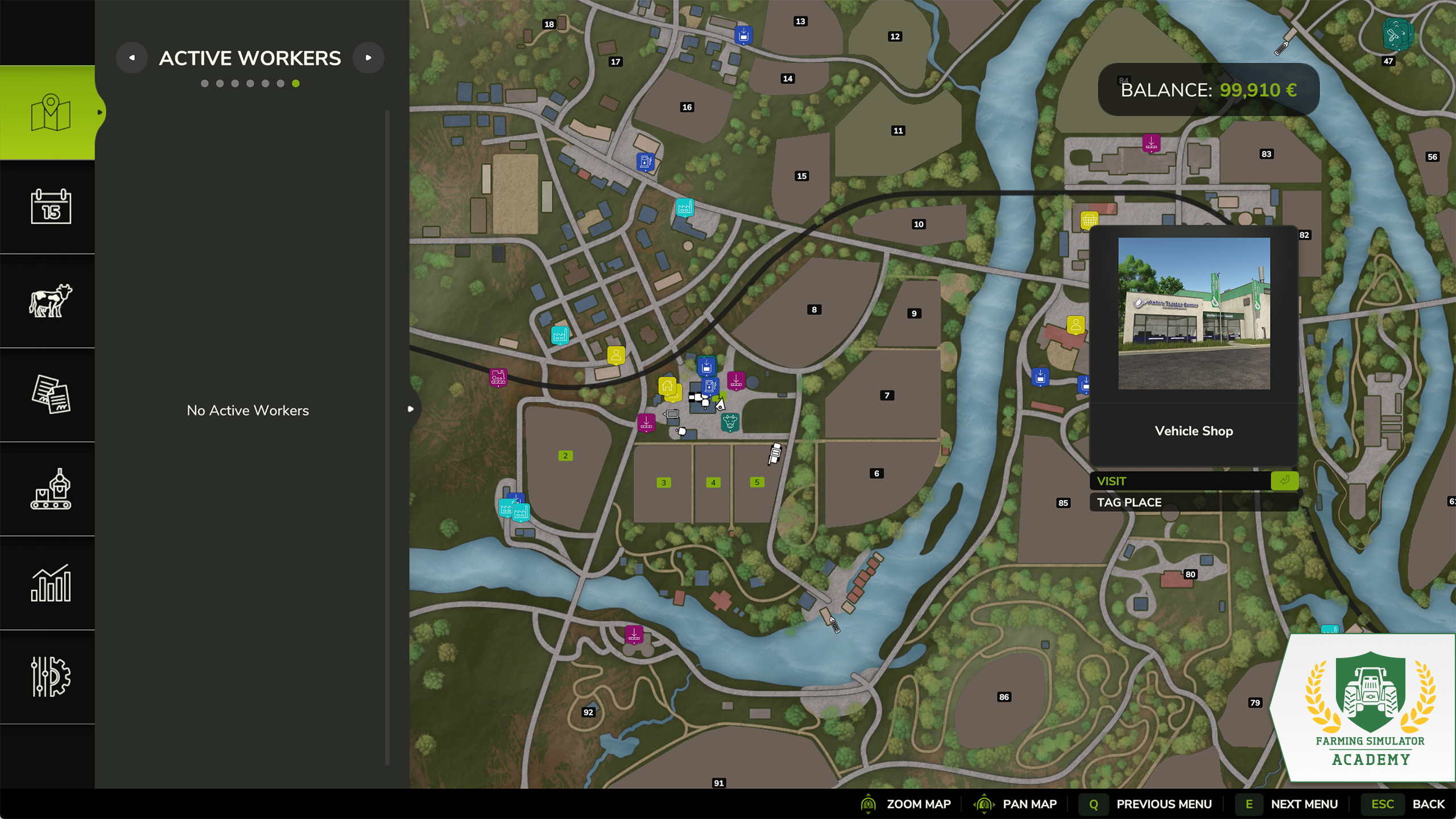
Everything you buy in Farming Simulator, will appear in front of the local shop. On the map, you can click on the shop icon and teleport yourself by clicking on visit. You can also tag it, so it becomes highlighted on your mini map.
Over there, all of your purchases are parked in front of the building. You’ll also notice two illuminated icons. One for the shop itself and one for the dealer. If you park a machine in the designated area of the dealer’s workshop, you can customize your vehicle, repair or repaint it. It also shows you information about the condition, and value.
Well Done!
Congratulations, you finished another lesson. Stay with the Farming Simulator Academy, and you’ll become a top-notch virtual farmer in no time!


Next stop: TwitchCon San Diego! 🤩 Join us at the San Diego Convention Center from November 13 to 15. Meet the GIANTS Software team & fellow Farming Simulator fans! 🧑🌾 Who’s coming? 🙌 🔗 https://t.co/JfO8aGbs5D https://t.co/Q22KAhMfma

Master Beans & Alpacas! 🦙 Three new FS Academy tutorials are now available! Learn how to grow coffee and bananas and care for your alpacas with helpful info charts and step-by-step guides. 🚜 Ready to put your knowledge to work? 🧑🌾 🔗 https://t.co/xGB4iRjcxk https://t.co/6IyijglYeA

Beans & Alpacas is OUT NOW! 🦙 Grow coffee and bananas, raise alpacas and explore Catuaí in the new FS25 expansion. Your tropical farming adventure starts today! 🚜 Check our release blog for all details! 👇 🎥 https://t.co/0WTj2O8EqF 🔗 https://t.co/d8ABOeWuBG https://t.co/KCu0YyeeMx
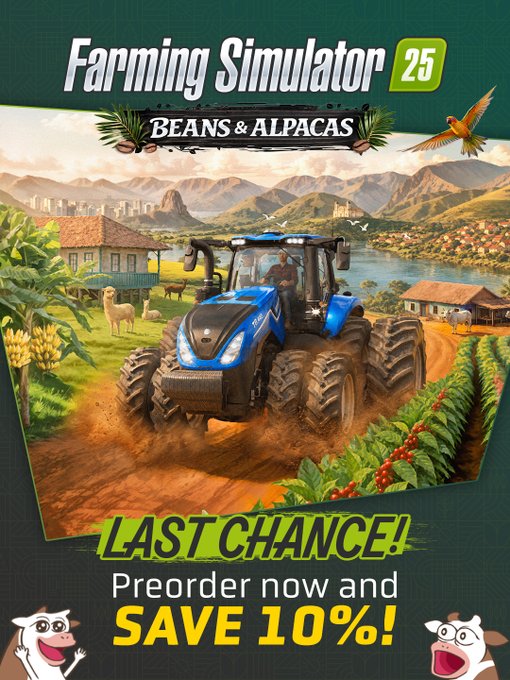
So, has Beans & Alpacas won you over yet? 🦙 LAST CHANCE to save 10% when you preorder the FS25: Beans & Alpacas Expansion before its October 27 launch! 🎉 Your next farming adventure awaits! 🚜 🔗 https://t.co/j2gGuWNKjz https://t.co/jxabPgbI33
Social Media


Next stop: TwitchCon San Diego! 🤩 Join us at the San Diego Convention Center from November 13 to 15. Meet the GIANTS Software team & fellow Farming Simulator fans! 🧑🌾 Who’s coming? 🙌 🔗 https://t.co/JfO8aGbs5D https://t.co/Q22KAhMfma


