-

-
 Argentina (en)
-
 Australia (en)
-
 Belgien (de)
-
Belgique (fr)
-
België (en)
-
 Brasil (en)
-
 Canada (en)
-
Canada (fr)
-
 Česko (en)
-
 Chile (en)
-
 Danmark (en)
-
 Deutschland (de)
-
 España (en)
-
 France (fr)
-
 Hrvatska (en)
-
Ireland (en)
-
 Italia (en)
-
 Magyarország (en)
-
 Nederland (en)
-
 Norge (en)
-
 Österreich (de)
-
 Polska (pl)
-
 Portugal (en)
-
 România (en)
-
 Schweiz (de)
-
 Slovenija (en)
-
 Slovensko (en)
-
 South Africa (en)
-
 Srbija (en)
-
Suisse (fr)
-
 Suomi (en)
-
 Sverige (en)
-
Svizzera (en)
-
 United Kingdom (en)
-
 United States (en)
-
 Россия (en)
-
 Україна (en)
-
 日本 (en)
-

[Basics] Introduction To Build Mode
![[Basics] Introduction To Build Mode](/cms/uploads/news_6a9aca790b070.jpg)
Welcome to the Farming Simulator Academy! In this tutorial, we provide you with a short briefing on how to use the build mode to use all kinds of placeables like buildings, production plants, or decoration. Even do some landscaping.
Build Mode Overview
When opening the build mode, you see five tabs. Let’s take a look.
Buildings
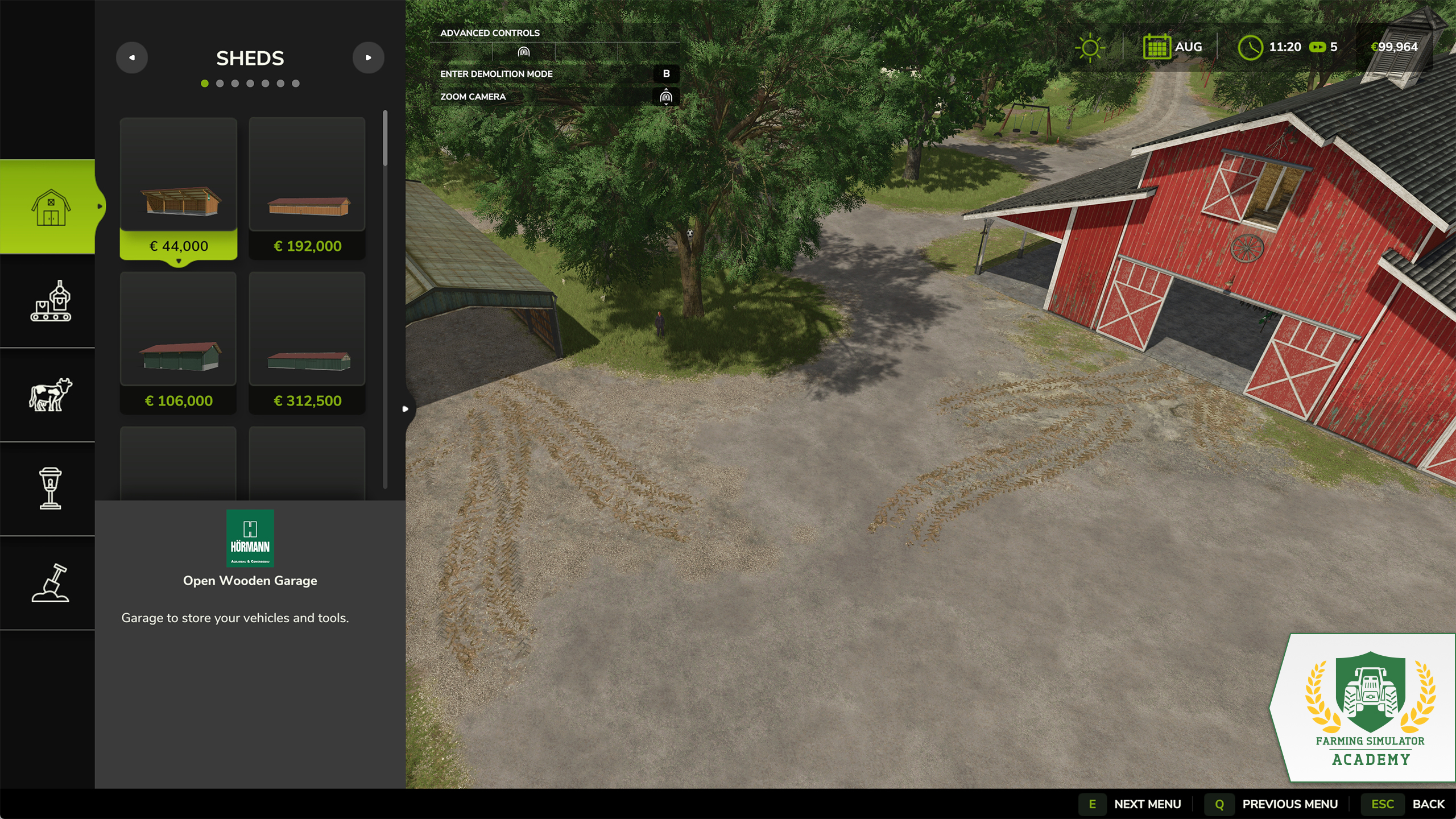
- Here, you find farmhouses, garages and sheds for your machines and tools, or bulk material.
- Silos to store your crops, as well as containers for resources like water, fertilizer, or fuel.
- Tools like charging stations, vehicle workshops for repairing, or a pressure washer to clean your machines.
Production
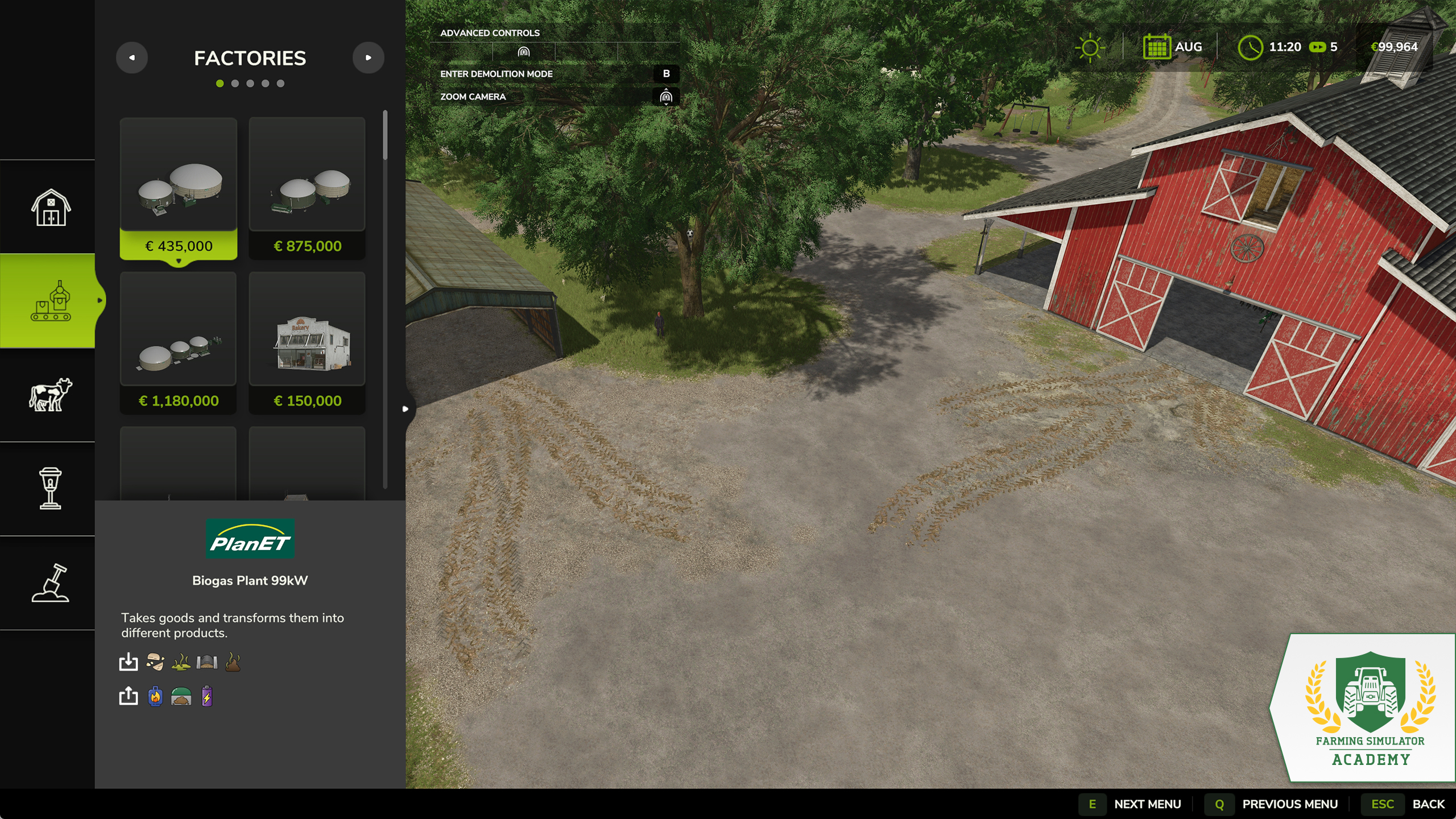
- Factories are built to create production chains. Most crops can be processed into other goods to create additional income.
- Selling points buy your harvested and produced goods.
- Greenhouses produce goods like tomatoes or strawberries.
- Orchards contain grape vines and olive groves. You need to place them manually from here, to grow those crops.
- Generators produce power that is sold automatically in your favor.
Animals
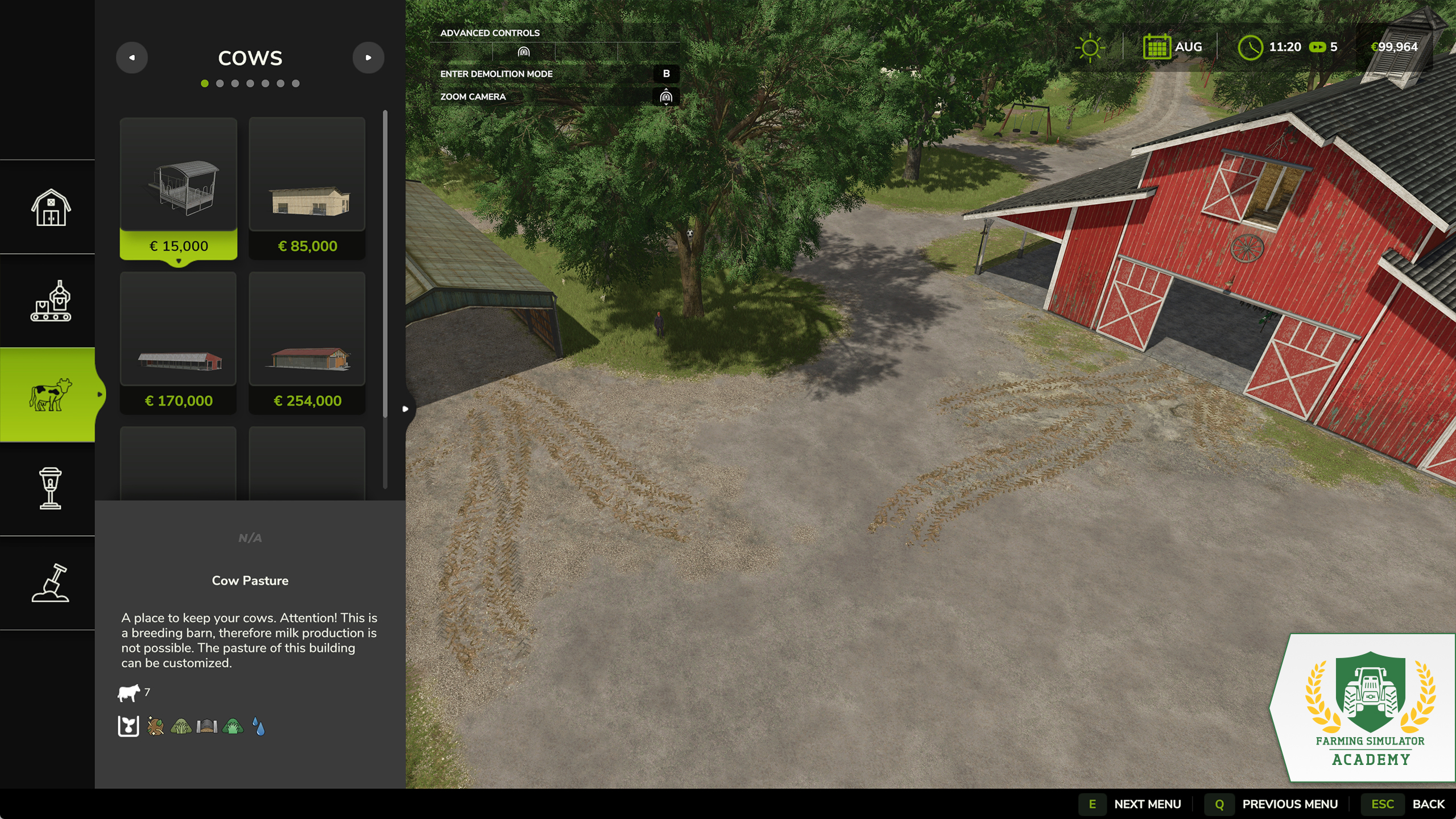
Separated by animal types, you find everything you need to start with animal husbandry. There are animal pens for every animal species available, plus special objects used for beekeeping as well as a doghouse for your four-legged companion.
Decorations
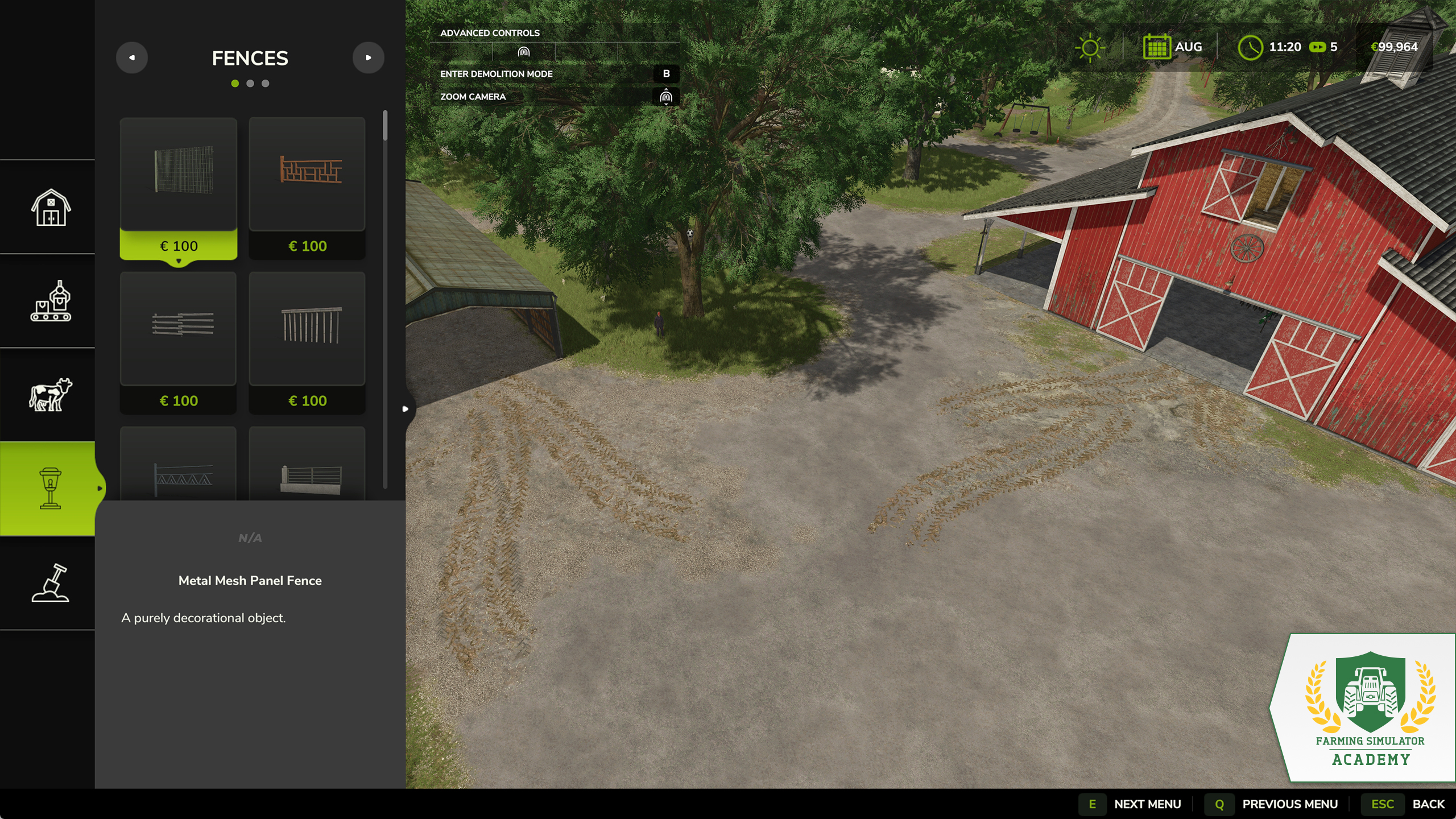
This tab consists of fences, lights, and decorative items like garden sheds. Everything you find here is designed to make your farm more individual.
Landscaping
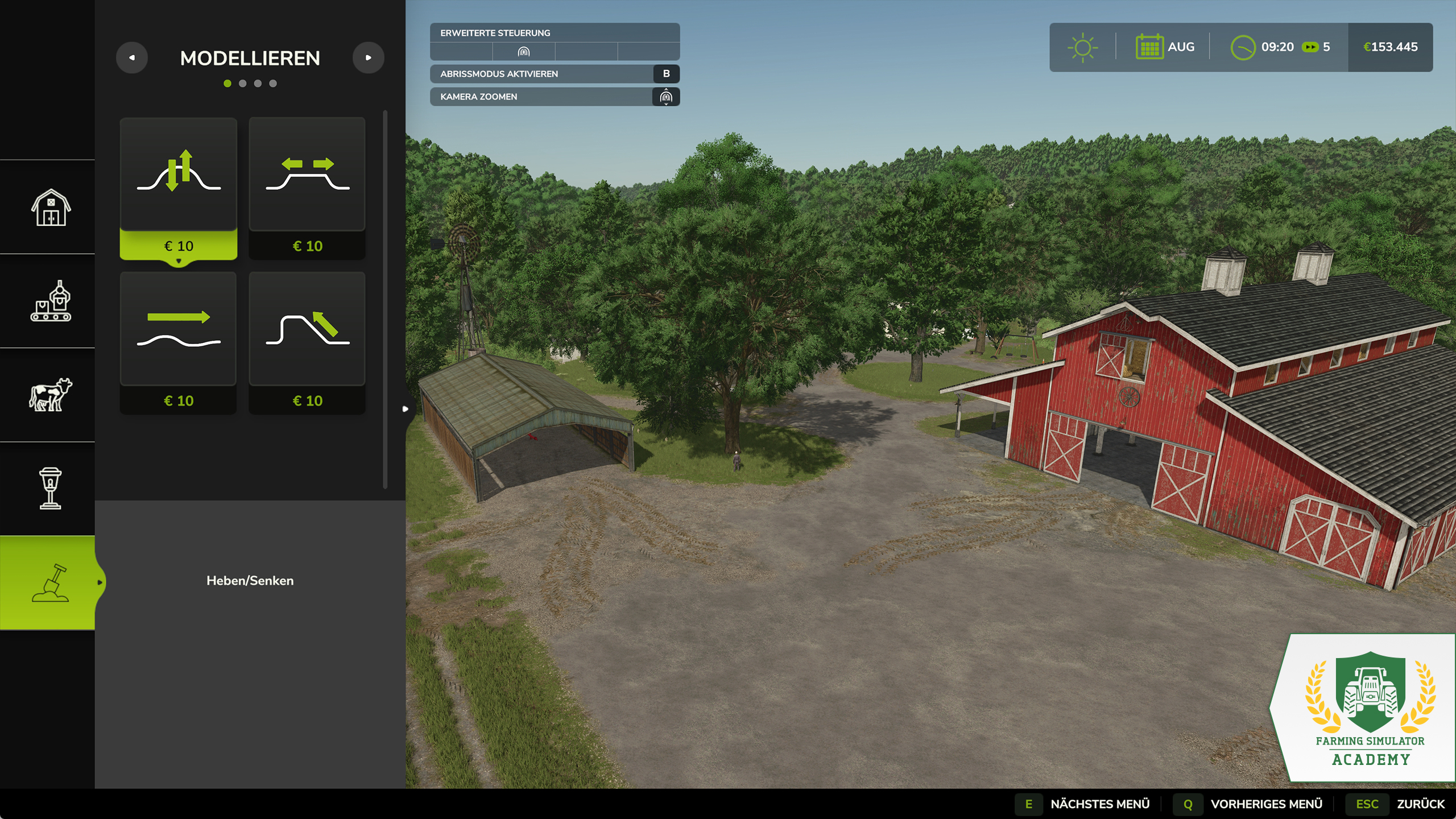
Here, you find sculpting tools to shape the terrain of the map, paint the ground in various textures like asphalt, gravel, or forest ground. Most interesting for gardening enthusiasts, there are lots of trees and plants you can place on your land to create a lush environment.
Well Done!
Congratulations, you finished another lesson and know what the build mode has to offer. Stay with the Farming Simulator Academy, and you’ll become a top-notch virtual farmer in no time!


Pumps N' Hoses by @CreativeMesh is available NOW & FREE for Farming Simulator 25! Enjoy new content, 40+ items, manure separation, biogas & more. Also available: Patch 1.23 with bug fixes, improvements & some new additions for modding. 🛠️ https://t.co/G86wgFzbnb

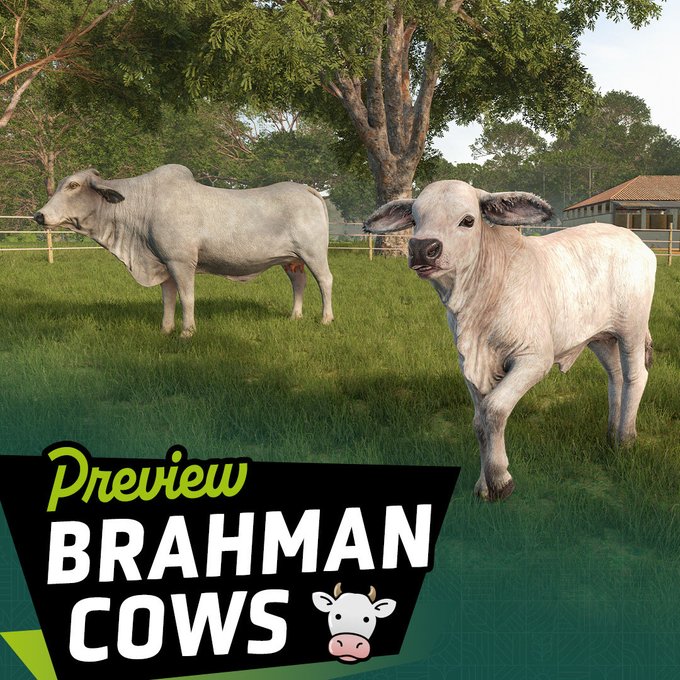
Beans, Alpacas… and Brahman cattle! 🐄🌱 Meet another new animal coming with the Farming Simulator 25: Beans & Alpacas Expansion and learn what makes Brahmans special. 👉 Check out the full preview: https://t.co/b7DzQD6tSZ https://t.co/s19RzlKD0B
🇺🇸 Beans & Alpacas is coming to PAX West! Play the expansion for the first time in the US and meet Farmer Cop at our booth throughout the show! 🦙🌱 https://t.co/4o87swmX6o

🚜 Farming Simulator is at the Farm Progress Show! Visit us at the Fendt Experience Center, jump into the driver’s seat and try out your favorite Fendt in Farming Simulator! 🌾🎮 https://t.co/1oGOQFPpg0

Social Media


Pumps N' Hoses by @CreativeMesh is available NOW & FREE for Farming Simulator 25! Enjoy new content, 40+ items, manure separation, biogas & more. Also available: Patch 1.23 with bug fixes, improvements & some new additions for modding. 🛠️ https://t.co/G86wgFzbnb


