-

-
 Argentina (en)
-
 Australia (en)
-
 Belgien (de)
-
Belgique (fr)
-
België (en)
-
 Brasil (en)
-
 Canada (en)
-
Canada (fr)
-
 Česko (en)
-
 Chile (en)
-
 Danmark (en)
-
 Deutschland (de)
-
 España (en)
-
 France (fr)
-
 Hrvatska (en)
-
 Ireland (en)
-
Italia (en)
-
 Magyarország (en)
-
 Nederland (en)
-
 Norge (en)
-
 Österreich (de)
-
 Polska (pl)
-
 Portugal (en)
-
 România (en)
-
 Schweiz (de)
-
 Slovenija (en)
-
 Slovensko (en)
-
 South Africa (en)
-
 Srbija (en)
-
Suisse (fr)
-
 Suomi (en)
-
 Sverige (en)
-
Svizzera (en)
-
 United Kingdom (en)
-
 United States (en)
-
 Россия (en)
-
 Україна (en)
-
 日本 (en)
-

[Forestry 101] How to Use Yarders to Transport Logs
![[Forestry 101] How to Use Yarders to Transport Logs](/cms/uploads/news_636ba087969b6.jpg)
Welcome to your next “Forestry 101” lesson at the Farming Simulator Academy! In this tutorial, we’ll show you how to use yarders to transport logs in challenging terrain, especially inside forests. If you're looking for ways to transport high quantities of logs outside the forest, check out the tutorial about transporting & selling logs.
Please note: Yarders, like winches, are a new feature of the Platinum Expansion for Farming Simulator 22. You must purchase either the Platinum Edition of the game (including the base game + expansion) or the Platinum Expansion if you already own the base game!

Types of Yarders & Areas of Application
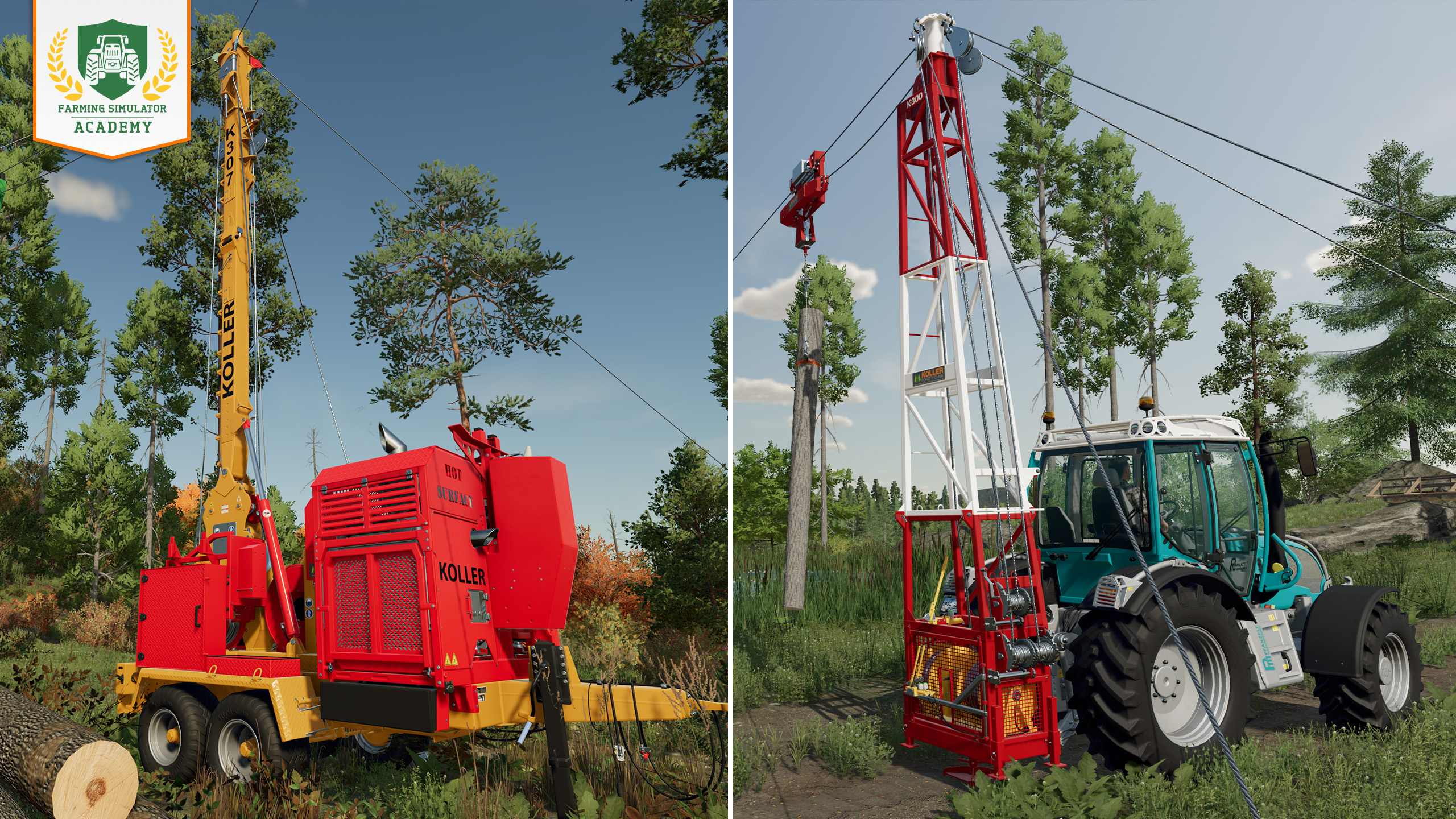
Yarders are a fun piece of logging equipment. With the Platinum Expansion, we introduce two different kinds of yarders: the Koller K-300-T and the Koller K 307c-H. You find both of them in the "forestry equipment" section of the dealership.
- Yarders are used to bypass hilly or otherwise impassable terrain and transport logs out of the dense woods by using a system of cables to pull them from their stump to a collection point.
- In Silverrun Forest, you find some paths that may lead you to places that can serve as collection points (or you just create your own where you want it). You can move logs via yarders up or downhill.
The Koller K-300-T can only drag your logs upwards over a span of 500 meters (1,650 ft) - the collection point must be above the area where you harvest. It's the cheaper of the two yarders and has lower power requirements for your tractor.
The Koller K 307c-H is more flexible and can move both ways. It spans 840 meters (2750 ft) and can transport your logs further that the "smaller" yarder. Also, the power requirement for your tractor is higher.
How To Use Yarders
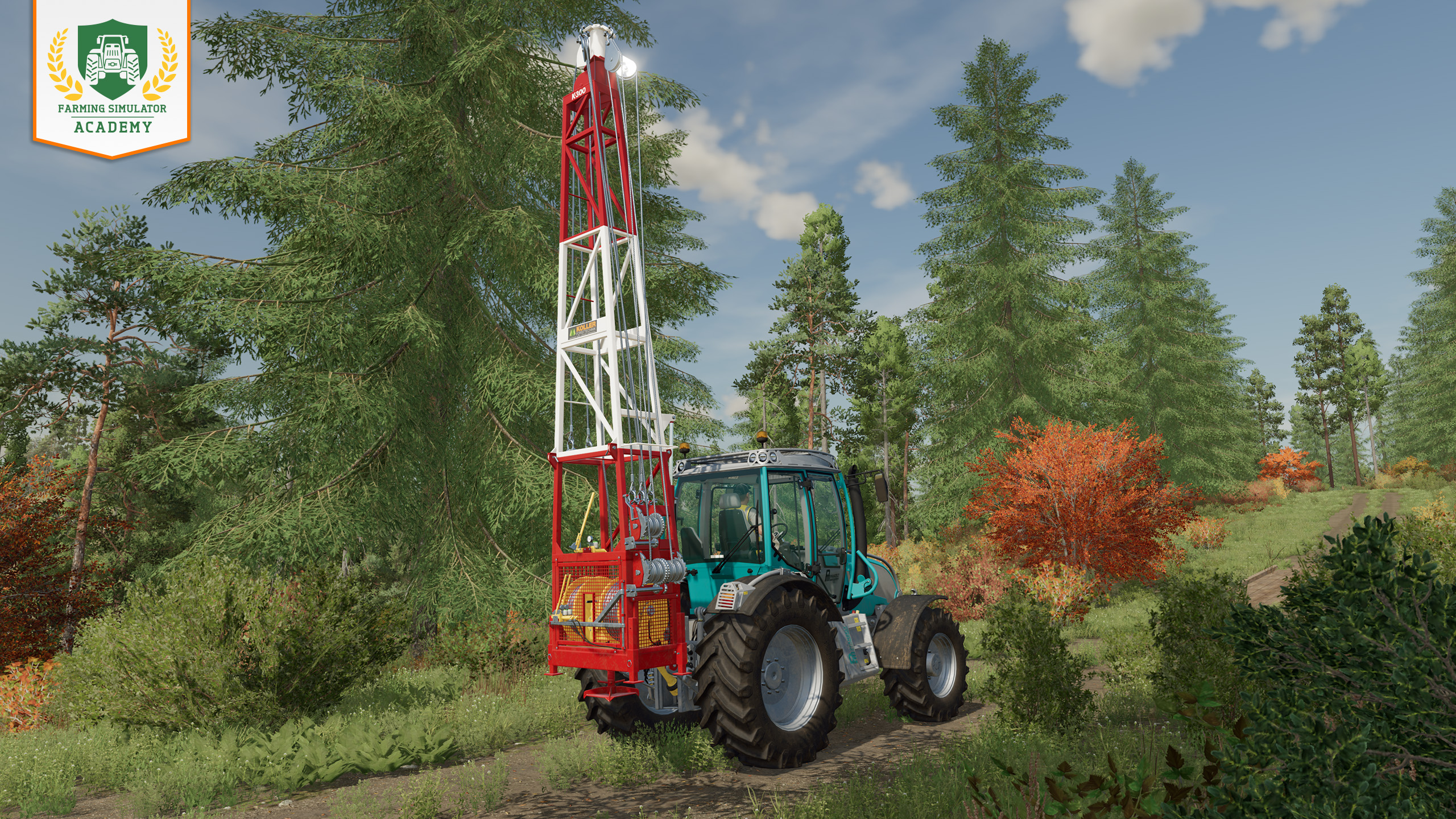
Step 1: Bring your yarder!
Attach the yarder of your choice to your tractor (and make sure it meets the power requirements) and place the yarder at your chosen collection point.
Note: The K-300-T (the smaller one) can move logs upwards only. If you use this yarder, you place it topographical above the place where you harvest logs, so you move the logs up to the collection point.
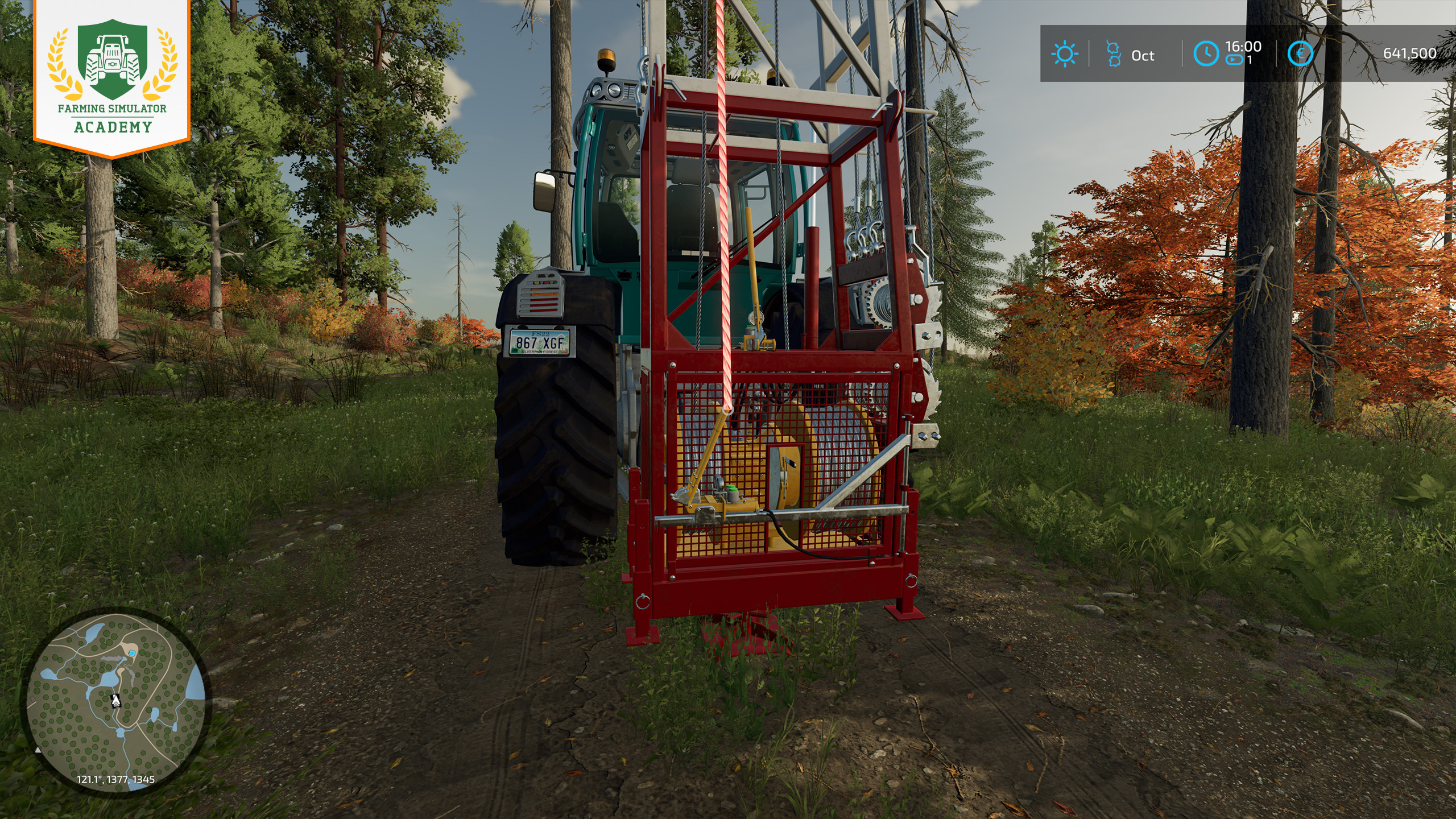
Step 2: Grab a rope
Grab a rope from the back of the implement. With the rope "in hand", you move to the location in the forest, where you want to harvest trees. If using the K-300-T, as noted above, you have to move down hill, now.
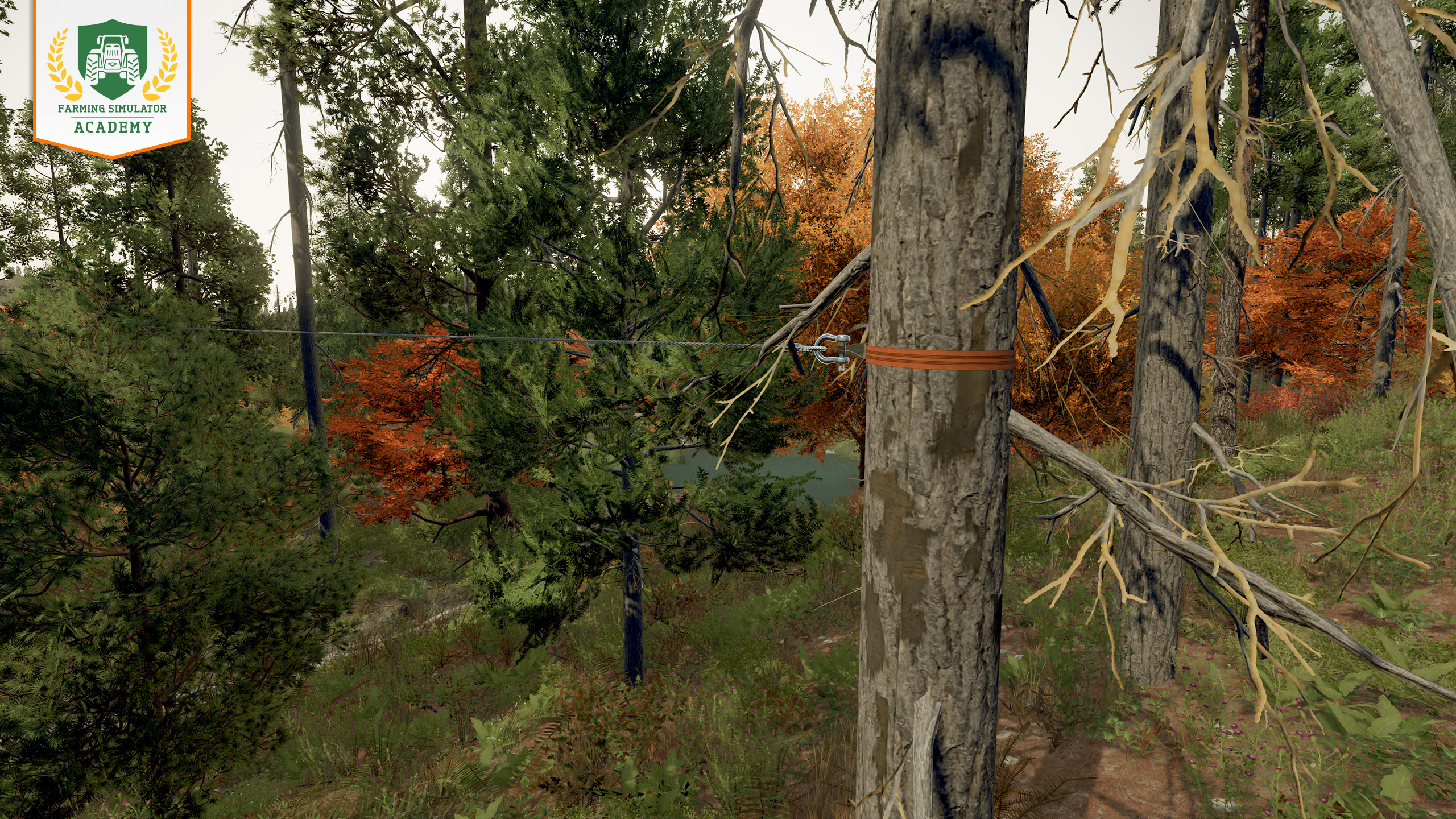
Step 3: Stretch up the rope
Find a sturdy tree to attach the rope to. If you aim at a suitable tree, it is indicated that you can attach the other end of the rope to it. Now, you have a straight line of rope that spans between the collection point and the harvesting area.
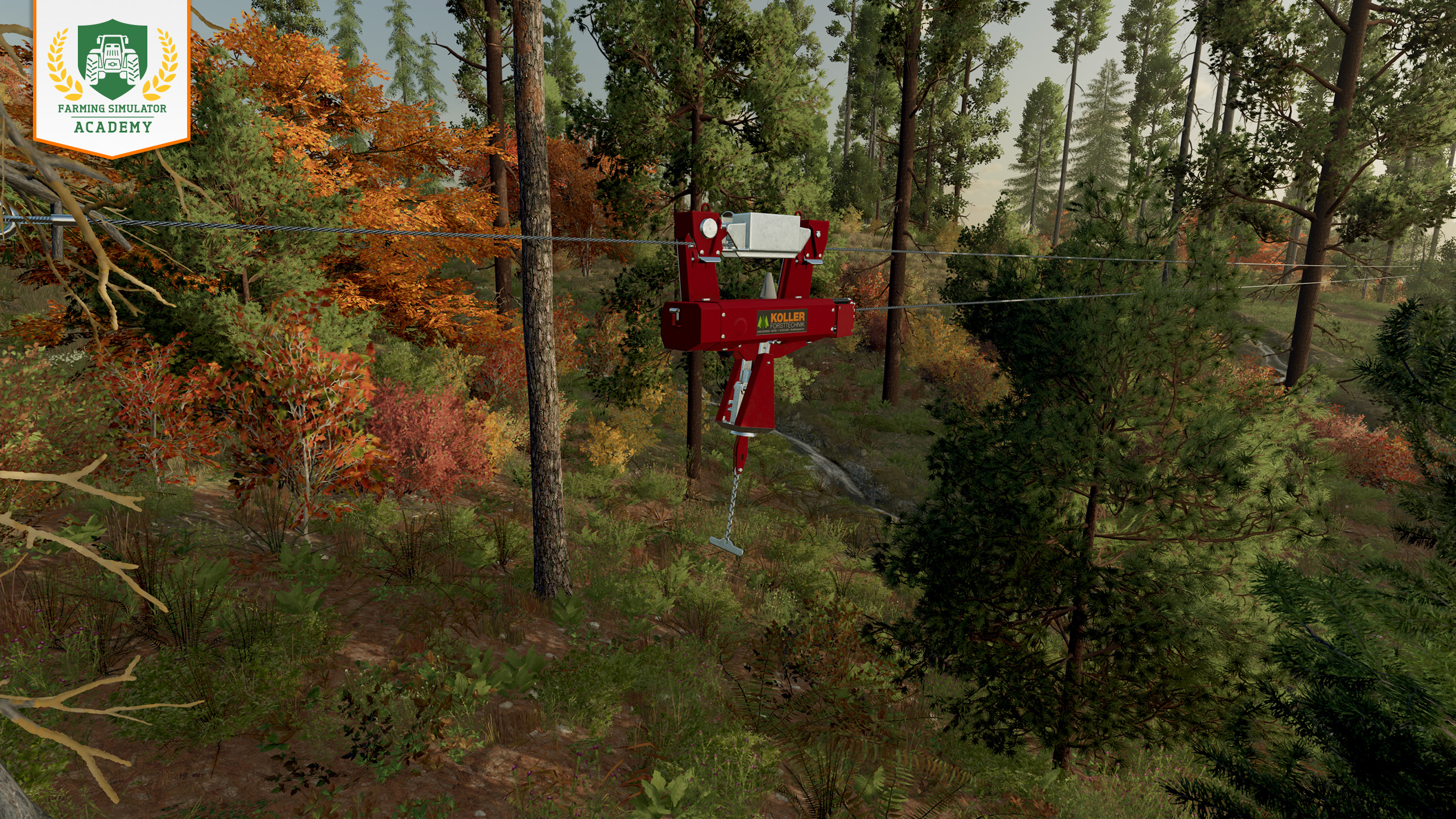
Step 4: Move the carriage
Now you can see the carriage appearing that you connect to cut logs. You can send the carriage on its way or make it follow you, so it's always right behind you.
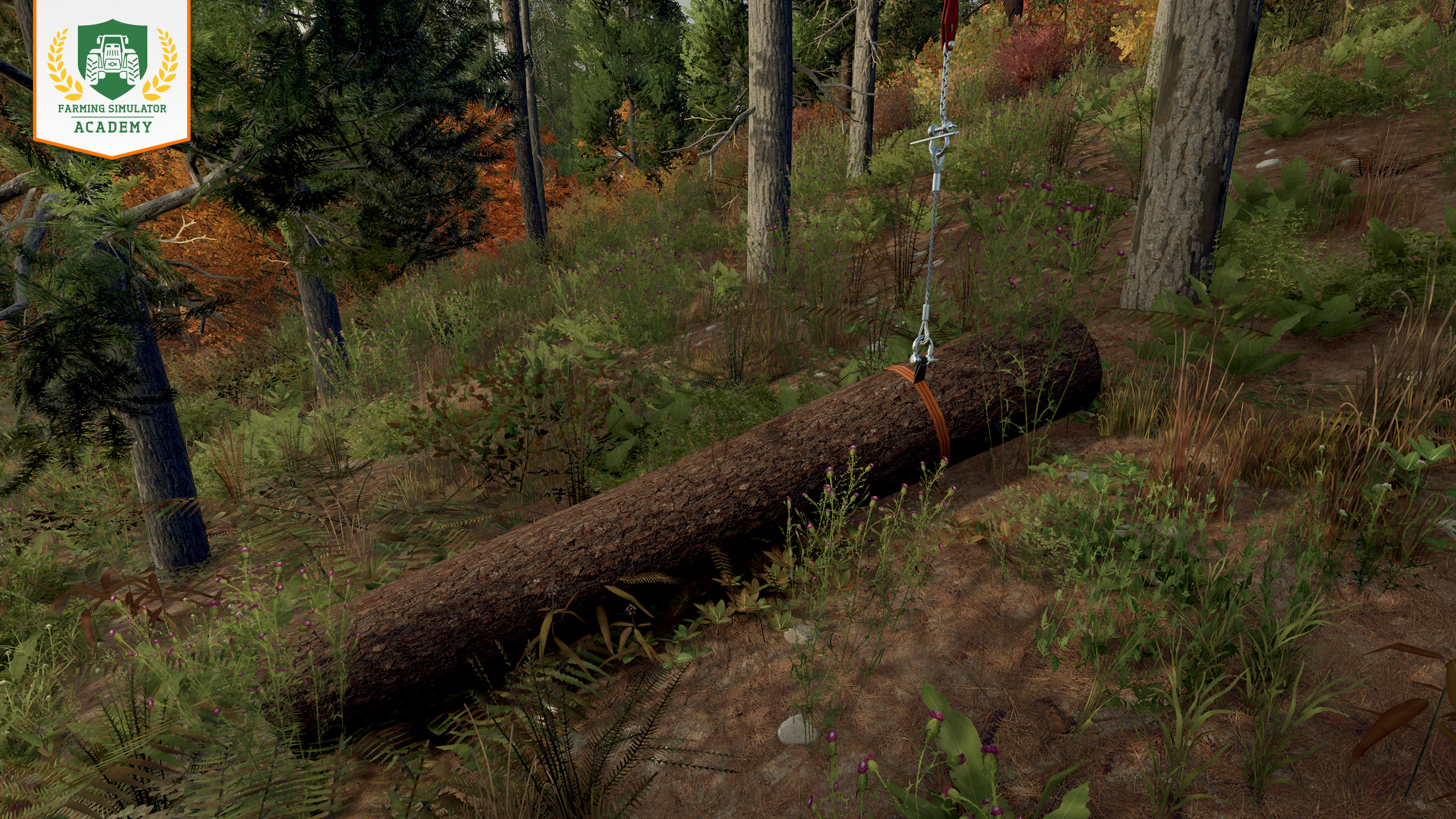
Step 5: Attach a log
Attach a cut log from the harvesting area to the carriage by grabbing a rope. Look at the log and attach the rope by pressing the assigned button.
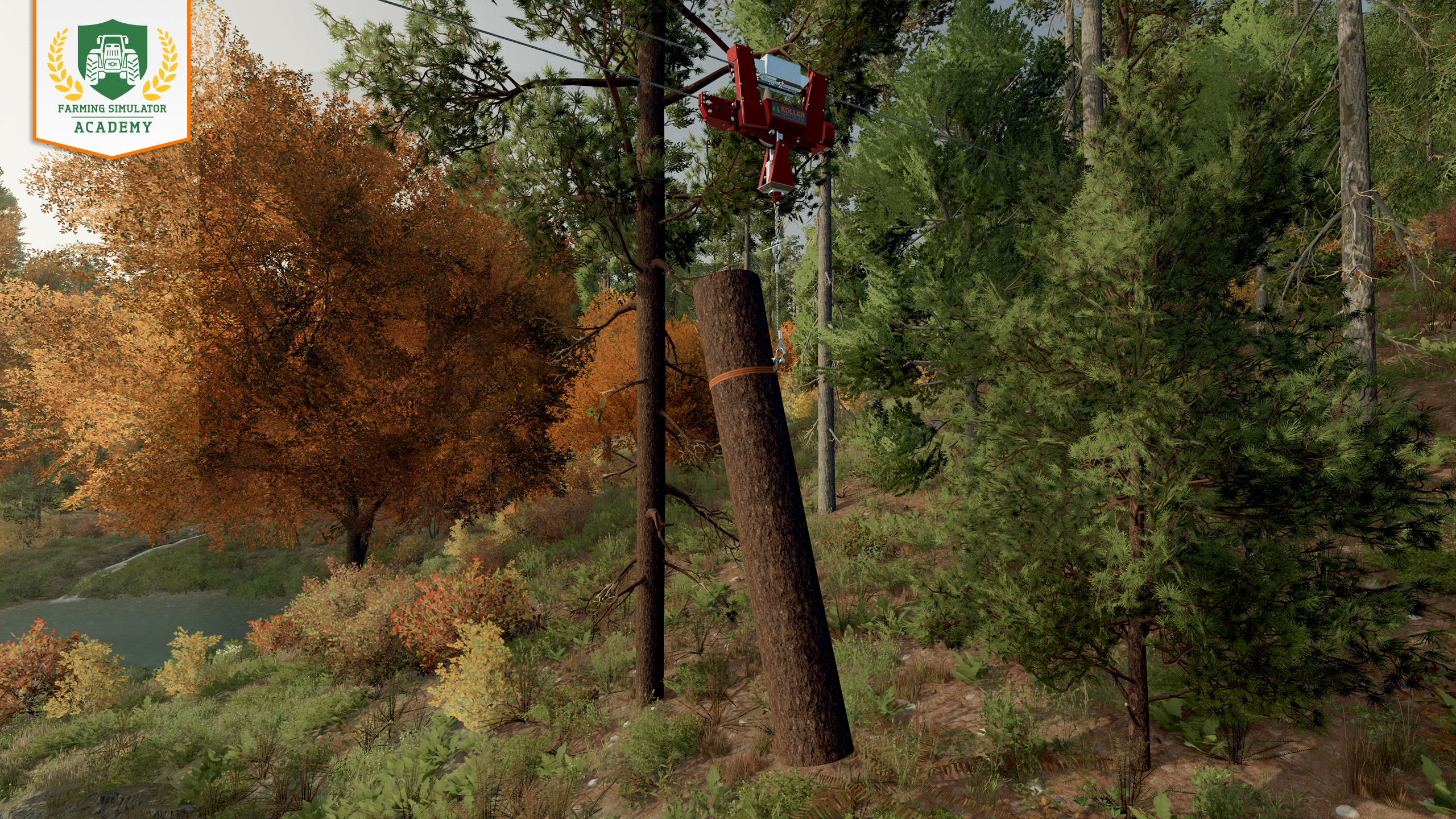
Step 6: Move the log
When attached, you can send the carriage on its way - or make it follow you if you're on your way to the collection point anyway. You can choose via the context menu / by pressing the assigned button to choose the transportation mode.
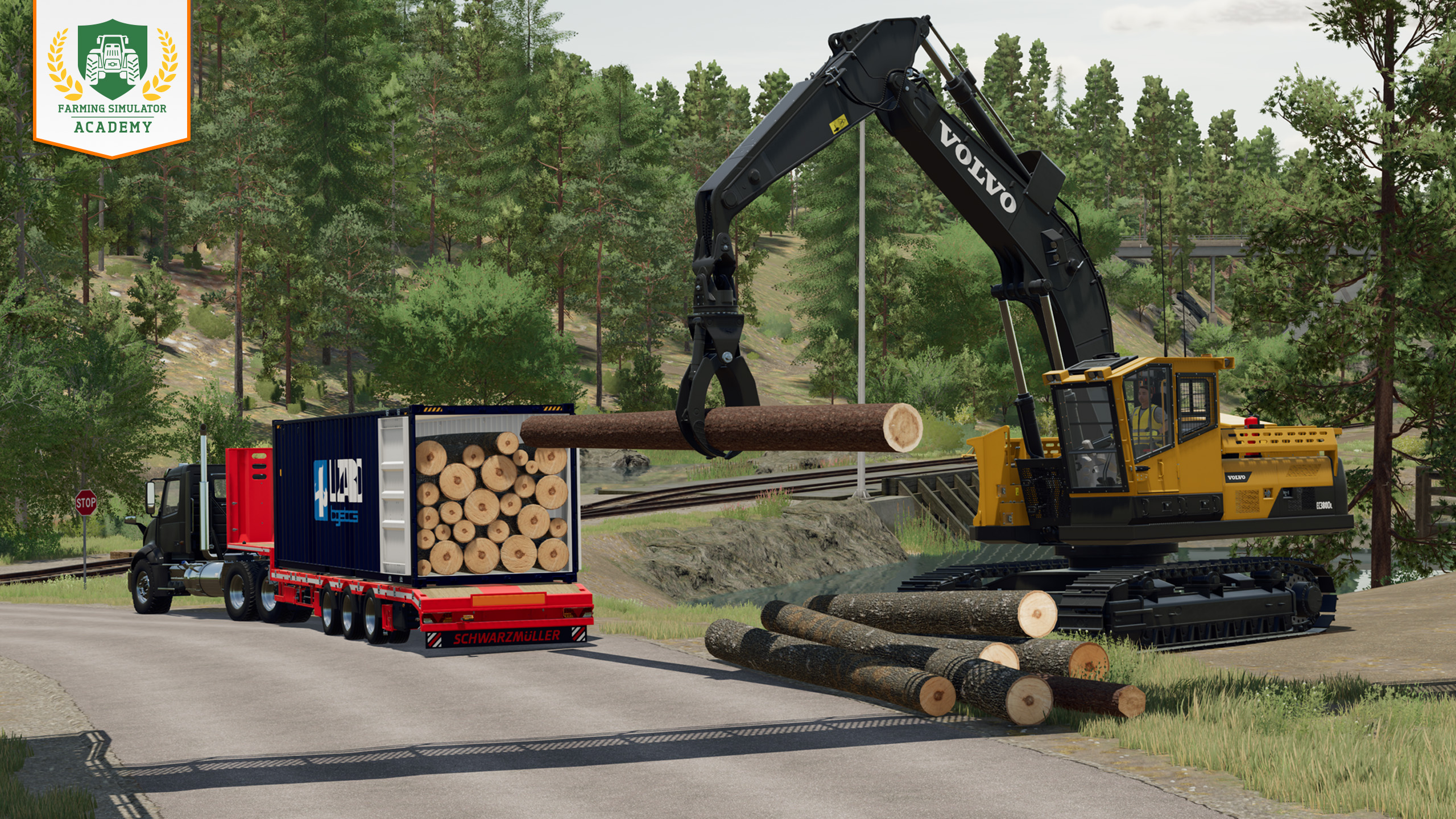
Step 7: Load up the logs
After repeating steps four to six, you now have a pile of logs at your collection point. The job of the yarder is done, for now. Instead, you have to load the logs onto a trailer or into containers - depending on the location and the terrain of your collection point.
Learn more about transporting & selling logs outside the forest
Well done!
Congratulations, you transported logs with the help of a yarder! Take some time and start the next lesson when you are ready. Keep at it and you'll be a top virtual farmer in no time!


Make every resource count! 🌾 In FS25, consumables keep your farm running – from seeds & fuel to spare parts. Manage them wisely to stay efficient and keep your machines in top shape! 🛢️🌱 👉 https://t.co/USuO4Wnnyo https://t.co/AHHZQ09uhz

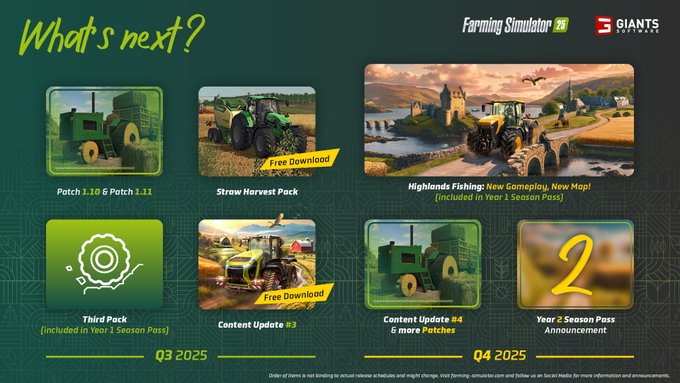
🧑🌾 At FarmCon 25, we revealed our roadmap for Q3 & Q4 2025! 🛣️🗺️ Look forward to the Straw Harvest Pack, Highlands Fishing DLC, content updates, new patches & more coming to Farming Simulator 25 this year! 🚜 Check our blog for more infos! 👇 https://t.co/DYkrLWbJo2 https://t.co/8y2VDvoFuk
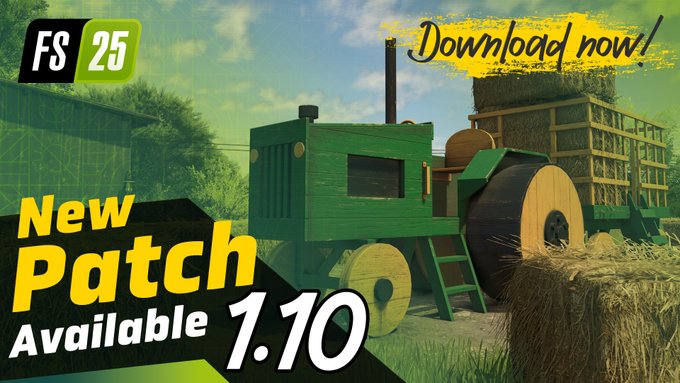
📢 Patch 1.10 is now live with performance boosts & fresh machines! - Fendt Rotana 160 V Combi, JCB 547-70 AGRI PRO 🚜 - Better foliage alignment, steering assist & multiplayer fixes 🌾 - XeSS 2 support & many more! 🧑🌾 Check the full changelog! 🔧 👉 https://t.co/tgMi706gkj https://t.co/Yo5fJzyDSN
🚜 We were live at FarmCon 25 and we didn’t come empty-handed! 🎁 As announced at the event, the Lindner Geotrac 134 EP is now available to download from ModHub. 🧑🌾🌾 Have you already taken it for a spin? 👇 https://t.co/N4rxFCs2wt https://t.co/9iW0zGtHU6

Social Media


Make every resource count! 🌾 In FS25, consumables keep your farm running – from seeds & fuel to spare parts. Manage them wisely to stay efficient and keep your machines in top shape! 🛢️🌱 👉 https://t.co/USuO4Wnnyo https://t.co/AHHZQ09uhz


